
Table of Contents
- Introduction to Writing and Grammar Tools
- Importance of Grammar in Effective Communication
- Spelling and Punctuation Checkers
- AI-Powered Grammar Correction Tools
- Style and Tone Analysis Tools
- Plagiarism Detection Tools
- Readability and Clarity Enhancement Tools
- Vocabulary and Word Choice Tools
- Sentence Structure Optimization Tools
- Writing Assistant Extensions for Browsers
- Desktop and Mobile Writing Applications
- Collaborative Writing Platforms
- Tools for Academic Writing
- Content Optimization Tools for SEO
- Tools for Creative Writing Improvement
- Proofreading and Editing Services
- Integration of Writing Tools with Word Processors
- AI-Based Summarization Tools
- Tracking Writing Progress and Metrics
- Future Trends in Writing and Grammar Technology
Introduction to Writing and Grammar Tools
Writing and grammar tools are software applications or online platforms designed to help writers improve the quality, clarity, and correctness of their content. They assist in identifying errors, suggesting improvements, and optimizing the overall readability of a text. Whether you’re a student, professional, blogger, or novelist, these tools can significantly enhance your writing process. They range from basic spell-checkers to advanced AI-powered assistants capable of analyzing tone, style, and even audience engagement. By integrating these tools into daily writing practices, users can produce polished, professional, and error-free content efficiently, saving time and reducing manual proofreading.
Importance of Grammar in Effective Communication
Grammar is the backbone of effective communication, ensuring that your message is clear and understandable. Poor grammar can distort meaning, confuse readers, and diminish credibility, especially in professional or academic contexts. Tools that focus on grammar help writers identify mistakes such as incorrect verb usage, subject-verb agreement issues, misplaced modifiers, and punctuation errors. By maintaining grammatical accuracy, writers can express ideas more precisely and engage audiences more effectively. Proper grammar also enhances the readability of content, making it accessible to a wider audience. For businesses, strong grammar reflects professionalism and builds trust with readers, clients, or stakeholders.
Spelling and Punctuation Checkers
Spelling and punctuation checkers are fundamental tools for any writer. They automatically detect misspelled words, typographical errors, and incorrect punctuation marks such as commas, semicolons, and quotation marks. Many of these tools work in real-time, providing suggestions while you type, which is invaluable for maintaining writing flow. Some advanced checkers also detect homophones (e.g., “their” vs. “there”) and common contextual mistakes that simple spell-checkers often miss. These tools are essential for both formal and creative writing, as even minor errors can distract readers and undermine credibility. Integration with word processors and browsers makes these tools easily accessible for all writing tasks.
AI-Powered Grammar Correction Tools
AI-powered grammar correction tools leverage artificial intelligence to analyze text beyond basic grammar rules. Unlike traditional checkers, AI tools can understand context, sentence structure, and even tone. They provide advanced suggestions for rewriting awkward phrases, improving clarity, and correcting subtle errors that might be overlooked manually. These tools often support multiple languages and can adapt recommendations to specific writing styles, such as academic, business, or casual writing. By using machine learning, they continuously improve their accuracy and can also suggest synonyms, restructure sentences for better flow, and maintain consistent tense and style across large documents.

Style and Tone Analysis Tools
Style and tone analysis tools are designed to help writers match their content to the intended audience and purpose. These tools assess the voice of a text, identifying whether it is formal, informal, persuasive, neutral, or friendly. They provide recommendations to adjust sentence length, word choice, and phrasing to ensure the content communicates the right emotion or authority. Such tools are particularly useful for marketing copy, professional emails, or content targeting specific demographics. By improving tone and style, writers can make their messages more engaging, relatable, and persuasive while maintaining professional standards and avoiding misunderstandings or unintentional offensiveness.

Plagiarism Detection Tools
Plagiarism detection tools are essential for ensuring originality in writing. They scan texts against a vast database of academic papers, websites, and publications to identify copied or unoriginal content. These tools highlight sections that require citation or rewriting, helping writers maintain ethical standards and avoid legal or academic repercussions. Plagiarism checkers are widely used in schools, universities, and professional writing settings to ensure content authenticity. Advanced versions can also detect paraphrased content that may still be considered plagiarized. By using these tools, writers can confidently produce unique content while respecting intellectual property and maintaining credibility.
Readability and Clarity Enhancement Tools
Readability and clarity tools focus on making content easy to understand and digest for the target audience. They analyze sentence length, complexity, word choice, and paragraph structure, offering suggestions to simplify or clarify ideas. Many tools assign readability scores, indicating whether the text is suitable for general audiences, professionals, or specialized readers. Clear, concise writing not only improves comprehension but also keeps readers engaged and reduces confusion. These tools are particularly beneficial for web content, reports, and educational materials where clarity is critical. By refining sentence structure and word choice, writers can enhance the impact and accessibility of their content.
Vocabulary and Word Choice Tools
Vocabulary and word choice tools help writers expand their language and select the most precise, engaging, or persuasive words. These tools suggest synonyms, idiomatic expressions, or more impactful alternatives to repetitive or weak words. They also help avoid overused or vague terms that may dilute the message. For creative writers, these tools can enhance descriptive writing, while for business or academic writers, they improve clarity and professionalism. By improving word choice, writers can convey nuanced meanings, maintain reader interest, and ensure consistency in style and tone throughout a document. These tools are often integrated into grammar checkers or available as standalone apps.

Sentence Structure Optimization Tools
Sentence structure optimization tools analyze how sentences are constructed and suggest ways to improve readability, flow, and emphasis. They can detect overly long, fragmented, or convoluted sentences and recommend breaking them into shorter, more digestible parts. Additionally, these tools help with varying sentence types to avoid monotony, improve rhythm, and maintain reader engagement. In academic, professional, or creative writing, proper sentence structure ensures that ideas are communicated logically and persuasively. By using these tools, writers can refine their writing style, reduce ambiguity, and make their content more compelling and easier to follow.
Writing Assistant Extensions for Browsers
Browser-based writing assistant extensions integrate writing tools directly into web applications, emails, social media, and online editors. They offer real-time grammar, spelling, style, and tone suggestions as users type, making it convenient for on-the-go content creation. These extensions often include AI-powered enhancements, readability checks, plagiarism detection, and vocabulary suggestions. Popular examples allow seamless integration with platforms like Gmail, WordPress, Google Docs, and social media sites. Browser extensions help writers maintain professionalism and accuracy in everyday communication, providing continuous guidance without interrupting workflow. They are particularly useful for freelancers, marketers, and anyone frequently creating online content.

Desktop and Mobile Writing Applications
Desktop and mobile writing applications provide comprehensive platforms for drafting, editing, and refining content. Unlike browser extensions, these apps often offer offline functionality, advanced formatting, and integration with cloud storage. Popular examples include Microsoft Word, Scrivener, and Ulysses, which combine robust writing environments with grammar, style, and readability tools. Mobile apps allow users to write on-the-go while keeping access to editing and AI assistance. These applications often include templates, research management, and collaboration features. For writers who require versatility, convenience, and an organized workspace, desktop and mobile applications offer a complete solution for producing professional, polished content anytime, anywhere.

Collaborative Writing Platforms
Collaborative writing platforms allow multiple users to contribute to and edit documents simultaneously. Tools like Google Docs, Notion, and Microsoft 365 enable real-time feedback, comments, and version tracking. These platforms are particularly useful for teams, educational settings, and businesses where content development requires coordination. Many collaborative tools also integrate grammar checkers, style analysis, and readability suggestions to improve content quality during the editing process. By fostering collaboration, these platforms streamline workflow, reduce miscommunication, and ensure consistency in tone and style. They also maintain a transparent history of changes, making it easy to review contributions, resolve conflicts, and produce a cohesive final document.
Tools for Academic Writing
Academic writing tools are specifically designed to support students, researchers, and scholars in producing precise, formal, and well-cited work. These tools include reference management software like Zotero or EndNote, grammar checkers tailored for scholarly style, and plagiarism detectors to ensure originality. They help structure essays, research papers, and dissertations according to academic standards. Features like citation formatting, readability enhancement, and terminology suggestions ensure accuracy and professionalism. By using academic writing tools, students and researchers can save time, reduce errors, and improve the overall quality of their submissions while maintaining compliance with institutional and publication guidelines.

Content Optimization Tools for SEO
SEO content optimization tools help writers create web content that ranks well on search engines while remaining readable and engaging for users. Tools like Yoast, SEMrush, and Clearscope analyze keyword usage, readability, meta descriptions, headings, and overall structure. They provide suggestions to improve search engine visibility without compromising natural language flow. By integrating SEO optimization with grammar and style analysis, writers can produce content that attracts traffic, engages readers, and meets digital marketing goals. These tools are crucial for bloggers, marketers, and businesses looking to maximize online reach and ensure that content is discoverable while maintaining professional quality.
Tools for Creative Writing Improvement
Creative writing tools are designed to inspire imagination, enhance storytelling, and refine literary style. Tools such as Grammarly’s creative mode, ProWritingAid, or Scrivener provide suggestions on word choice, sentence rhythm, dialogue flow, and narrative structure. Some AI tools can even generate prompts, plot ideas, or character development tips. By using these tools, writers can overcome writer’s block, maintain consistency in style, and enhance the emotional impact of their writing. These resources support fiction, poetry, scripts, and creative non-fiction, helping authors produce compelling stories while ensuring clarity, grammatical accuracy, and overall readability.
Proofreading and Editing Services
Proofreading and editing services provide professional review of written content to identify errors, inconsistencies, and areas for improvement. Human editors can detect subtle nuances, tone issues, and contextual problems that automated tools might miss. Services range from basic grammar and spelling checks to advanced editing for style, flow, and structure. Many services also offer feedback on readability, clarity, and audience engagement. Writers can use these services to finalize drafts, ensure publication readiness, and maintain credibility. Combining automated tools with professional proofreading provides a comprehensive approach to producing polished, error-free, and engaging content.
Integration of Writing Tools with Word Processors
Many writing and grammar tools seamlessly integrate with popular word processors like Microsoft Word, Google Docs, and LibreOffice. This integration allows real-time grammar, style, and readability suggestions without switching platforms. Users benefit from in-app assistance, including spell-check, synonym suggestions, tone analysis, and plagiarism detection. Integration enhances workflow efficiency, enabling writers to focus on creativity while maintaining professional standards. Some integrations also support collaborative editing, citation management, and content optimization. By embedding these tools directly into familiar word processors, writers gain convenient access to comprehensive writing support, streamlining the editing process and improving the overall quality of their documents.
AI-Based Summarization Tools
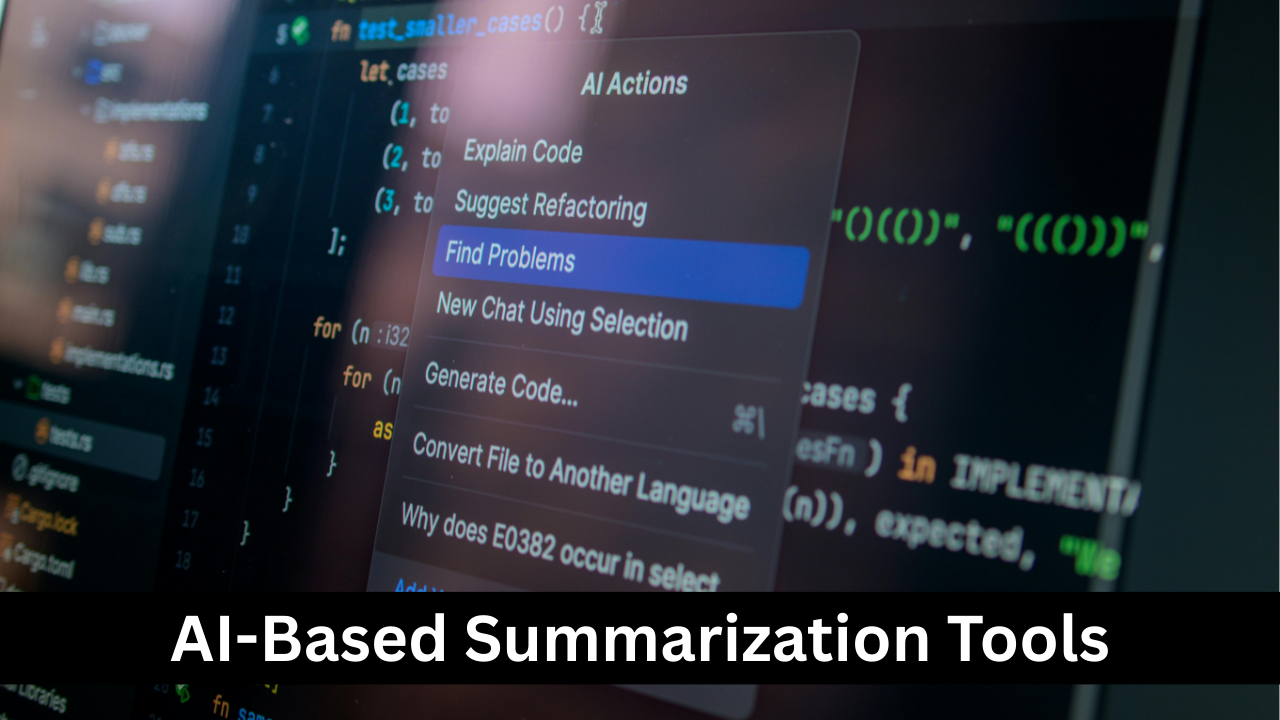
AI-based summarization tools help condense long texts into concise, digestible summaries while retaining key points and context. These tools are useful for research papers, reports, articles, and business documents where understanding the main ideas quickly is critical. AI summarizers analyze structure, highlight essential information, and rephrase content in a readable format. Some advanced tools allow customization of summary length, tone, and style. By using summarization tools, writers, students, and professionals can save time, improve comprehension, and produce executive summaries or abstracts efficiently without losing accuracy or context.
Tracking Writing Progress and Metrics
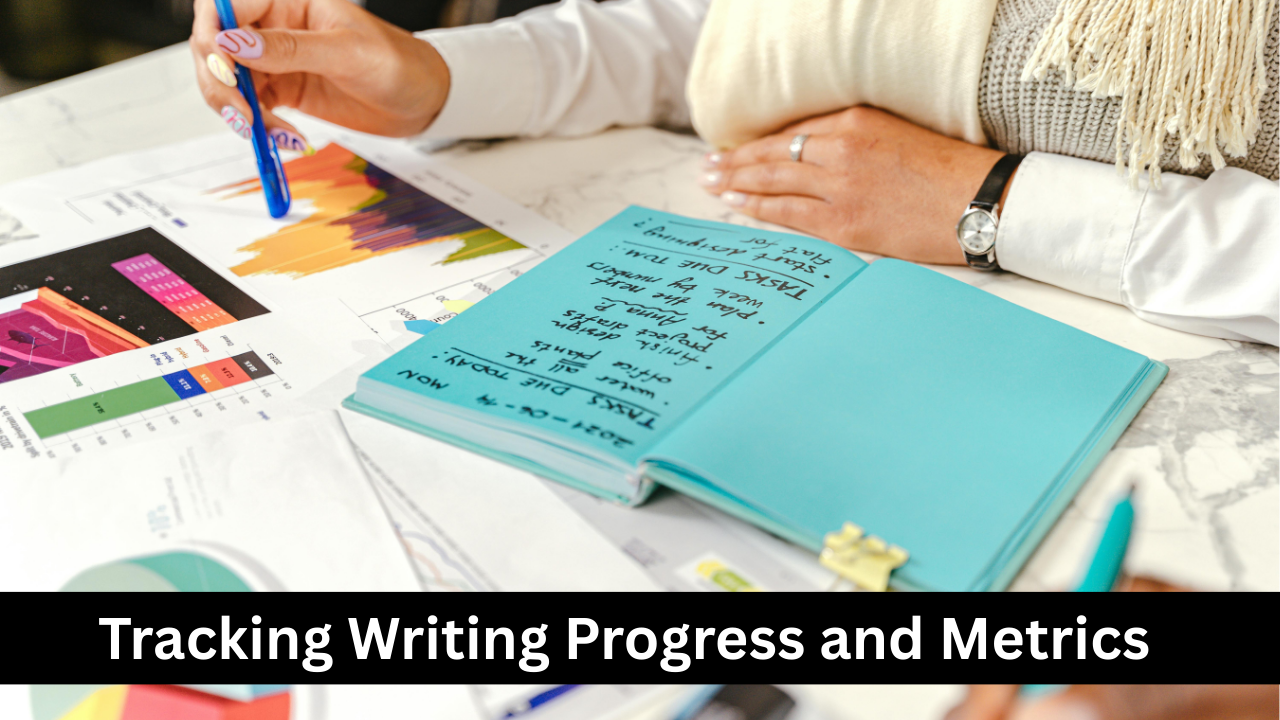
Writing progress and analytics tools track metrics such as word count, writing speed, consistency, readability, and error frequency. Tools like Scrivener, Ulysses, or writing habit apps help writers monitor daily progress, set goals, and identify patterns in their writing habits. These insights allow for targeted improvement in style, clarity, and productivity. Some tools provide visual dashboards, charts, and reports, motivating users to maintain consistent writing routines. By analyzing metrics, writers can measure growth over time, optimize workflow, and ensure continuous improvement, ultimately producing higher-quality content with greater efficiency and accountability.

Future Trends in Writing and Grammar Technology
The future of writing and grammar technology points toward deeper AI integration, advanced contextual analysis, and more personalized writing assistance. Emerging tools may provide real-time multilingual support, emotional tone detection, and predictive content suggestions based on audience engagement. AI could assist in generating creative ideas, improving argumentation, and even detecting subtle bias or misinformation. Integration with virtual reality, augmented reality, and immersive content creation may revolutionize how we write, edit, and consume text. Writers will benefit from smarter, adaptive systems that not only correct errors but also enhance creativity, productivity, and the overall impact of their content.