Table of Contents
- Learning Management Systems (LMS)
- Online Classroom & Video Conferencing Tools
- Digital Note-Taking Tools
- Online Assignment & Submission Platforms
- Free Productivity & Organization Tools
- Interactive Quiz & Assessment Tools
- Educational Content & Resource Libraries
- Cloud Storage & File-Sharing Tools
- Free Presentation & Slideshow Tools
- Writing, Grammar & Research Tools
- Math & Science Learning Tools
- Coding & STEM Education Tools
- Language Learning Apps
- Classroom Collaboration Platforms
- Mind Mapping & Brainstorming Tools
- Digital Reading & eBook Platforms
- Free Creativity & Design Tools
- Browser Extensions for Focus & Efficiency
- Parental Control & Safety Tools
- Accessibility Tools for Inclusive Learning
Learning Management Systems (LMS)
Free learning management systems are essential tools that help teachers organize lessons, distribute materials, and manage student progress efficiently. Platforms like Google Classroom and Moodle allow teachers to create virtual classrooms where assignments, announcements, and learning resources can be posted in one place. Students benefit because they can access their coursework anytime, submit homework easily, and track deadlines with built-in reminders. LMS platforms also support collaboration through class discussions, shared documents, and integrated quizzes. Their intuitive interfaces make it simpler for educators to digitize learning without needing advanced technical skills. For schools seeking affordable solutions, free LMS tools are a powerful foundation for modern education.
Online Classroom & Video Conferencing Tools
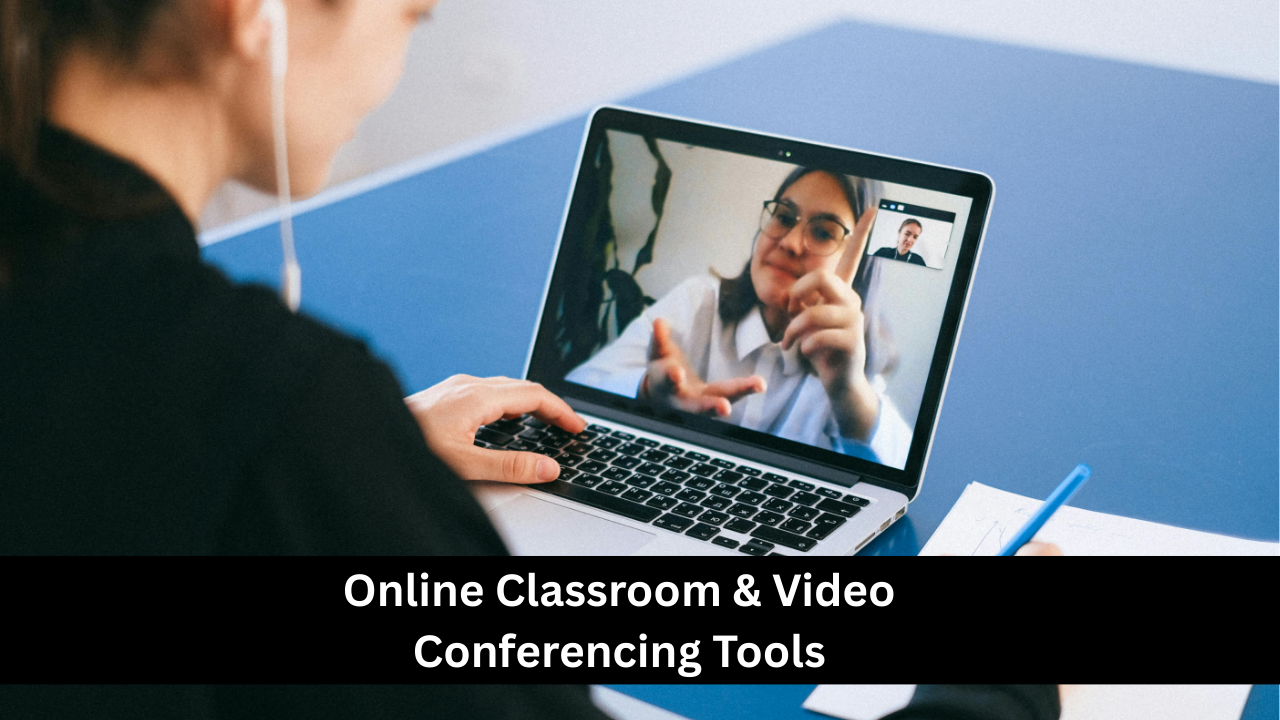
Online classroom tools such as Zoom, Google Meet, and Microsoft Teams have transformed the way teachers deliver lessons, especially for remote or hybrid learning. These free tools allow educators to conduct live classes, share screens, record sessions, and interact with students in real time. Features like breakout rooms, polls, and chat boxes help create an engaging and interactive learning environment. Students can join classes from any device, ask questions, and collaborate with peers, making learning more accessible and flexible. For teachers, these platforms simplify communication, parent meetings, and tutoring sessions. The ability to host virtual classrooms has become an essential skill in today’s digital learning landscape.
Digital Note-Taking Tools
Digital note-taking apps such as Microsoft OneNote, Google Keep, and Notion help students stay organized and capture information more effectively. These tools allow users to create notebooks, add images, record audio, and organize notes with tags or color-coding. Students can access their notes across devices, making studying more convenient whether they’re in class or at home. Teachers can also use these tools to create lesson plans, maintain checklists, and collaborate with students. Digital note-taking encourages better study habits because notes become searchable, neatly structured, and easy to review. Additionally, many apps support handwriting input, which is great for tablets and stylus users.
Online Assignment & Submission Platforms
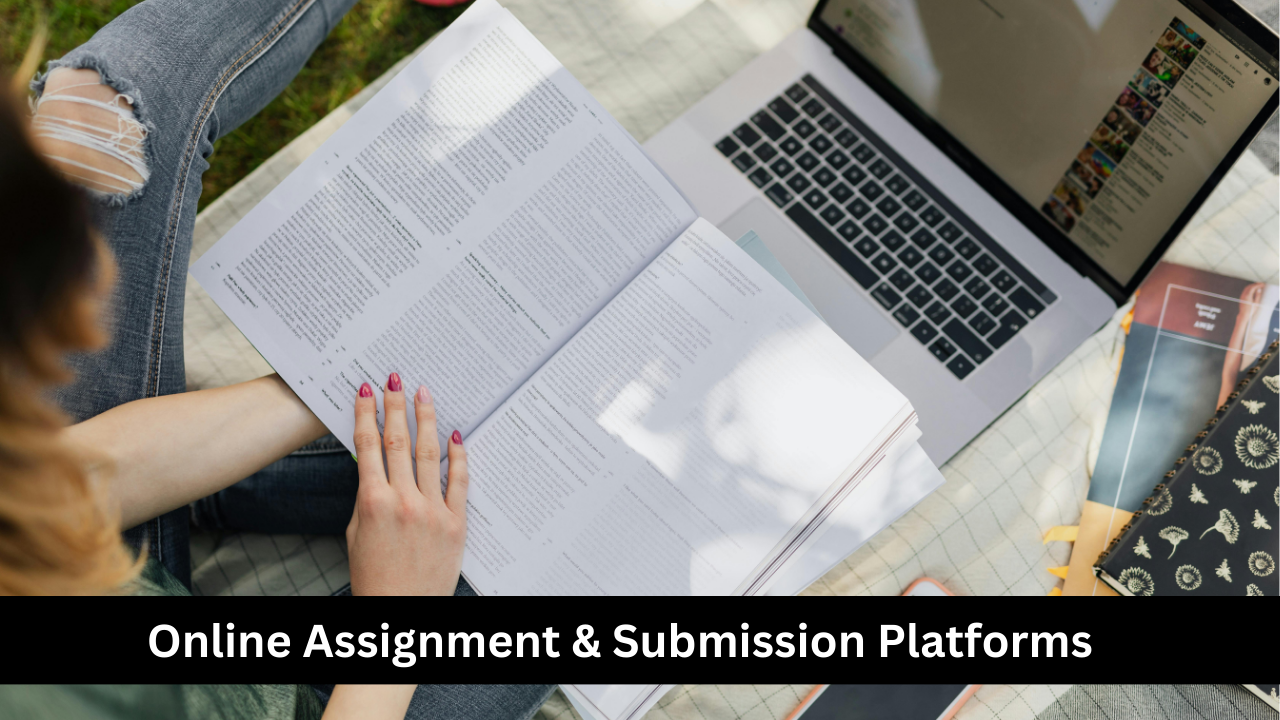
Free assignment platforms like Google Classroom, Edmodo, and Schoology simplify the process of giving, receiving, and grading student work. Teachers can create assignments with due dates, attach instructions or rubrics, and monitor completion in one place. Students benefit from clear expectations, easy file uploads, and automatic submission tracking. Many tools also support multiple file formats, including documents, slides, images, and videos. These platforms reduce paper use, keep work organized, and minimize the chances of losing assignments. Built-in grading tools allow teachers to provide fast, detailed feedback, making the learning process smoother for both educators and learners.
Free Productivity & Organization Tools
Productivity tools like Google Calendar, Trello, and Todoist help students and teachers manage tasks, deadlines, and schedules with greater efficiency. These tools support reminders, checklist creation, project boards, and daily planning. Students can organize their assignments, track study sessions, and plan extracurricular activities in one place. Teachers can use them to schedule lessons, prepare resources, and track ongoing tasks. Many productivity apps offer collaboration features, allowing classrooms or teams to work together on shared goals. Because these tools sync across devices, users can stay organized anywhere. They encourage better time management, reduce stress, and help maintain a structured workflow.
Interactive Quiz & Assessment Tools
Tools like Kahoot!, Quizizz, and Google Forms provide fun and interactive ways to assess student understanding. These platforms allow teachers to create quizzes, polls, and surveys that students can complete online—either during class or at home. Features like leaderboards, instant feedback, and gamified elements make learning more enjoyable. Students are more engaged when assessments feel like games rather than tests. Teachers also benefit from automatic grading and instant insights into class performance, helping them identify areas where students need additional support. Free assessment tools make both formative and summative evaluation more efficient, dynamic, and accessible.

Educational Content & Resource Libraries
Free educational libraries such as Khan Academy, National Geographic Kids, and CK-12 offer high-quality videos, articles, practice exercises, and study tools for all grade levels. These platforms cover a wide range of subjects, including math, science, history, and language arts. Teachers can use these resources to supplement lessons, assign practice tasks, or provide additional learning materials for struggling students. Students can explore topics at their own pace, review tricky concepts, and access expert explanations outside the classroom. Many of these platforms include interactive features, quizzes, and progress tracking, making learning more personalized and effective.
Cloud Storage & File-Sharing Tools
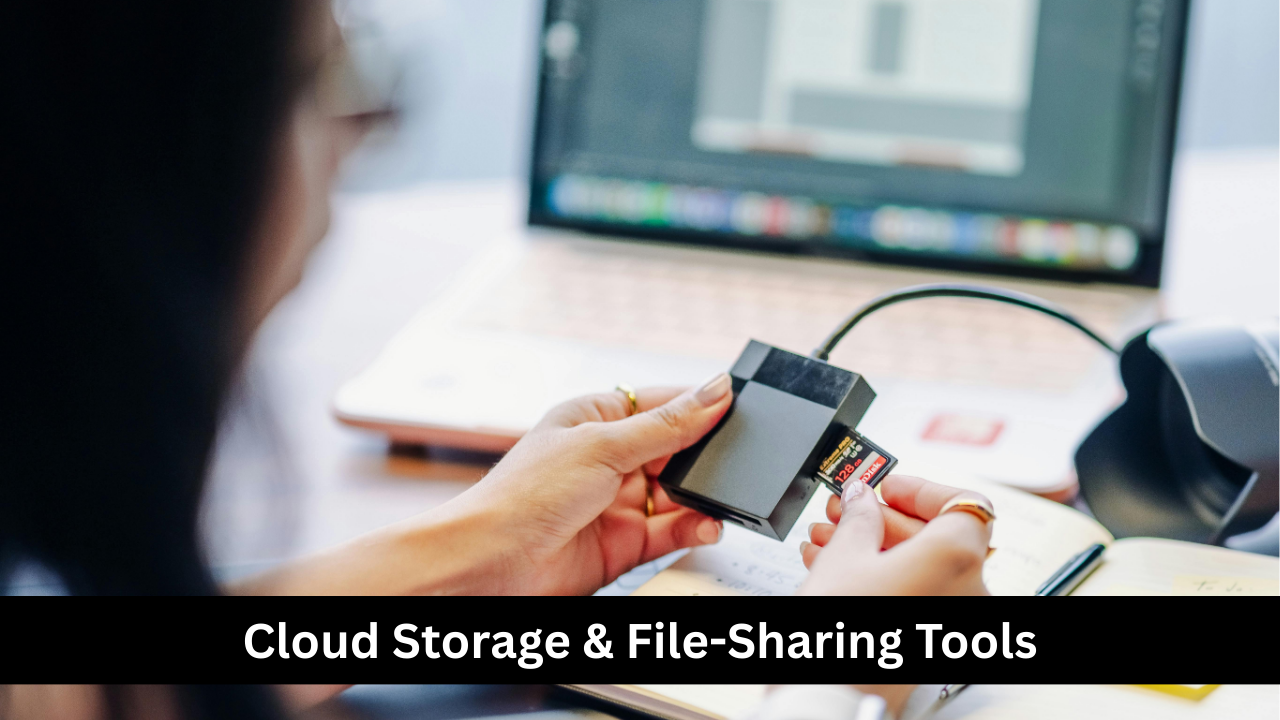
Cloud storage tools like Google Drive, Dropbox, and OneDrive are essential for securely storing documents, assignments, lesson plans, and multimedia files. These platforms allow both students and teachers to access their materials anywhere, from any device. File-sharing features make collaboration easier, enabling group projects, shared folders, and joint presentations. Students can store their notes, essays, and study resources without worrying about losing files. Teachers can distribute worksheets, videos, and slides simply by sharing a link. Cloud tools also support real-time editing, which is perfect for teamwork. Their free storage options make them accessible and practical for educational use.
Free Presentation & Slideshow Tools
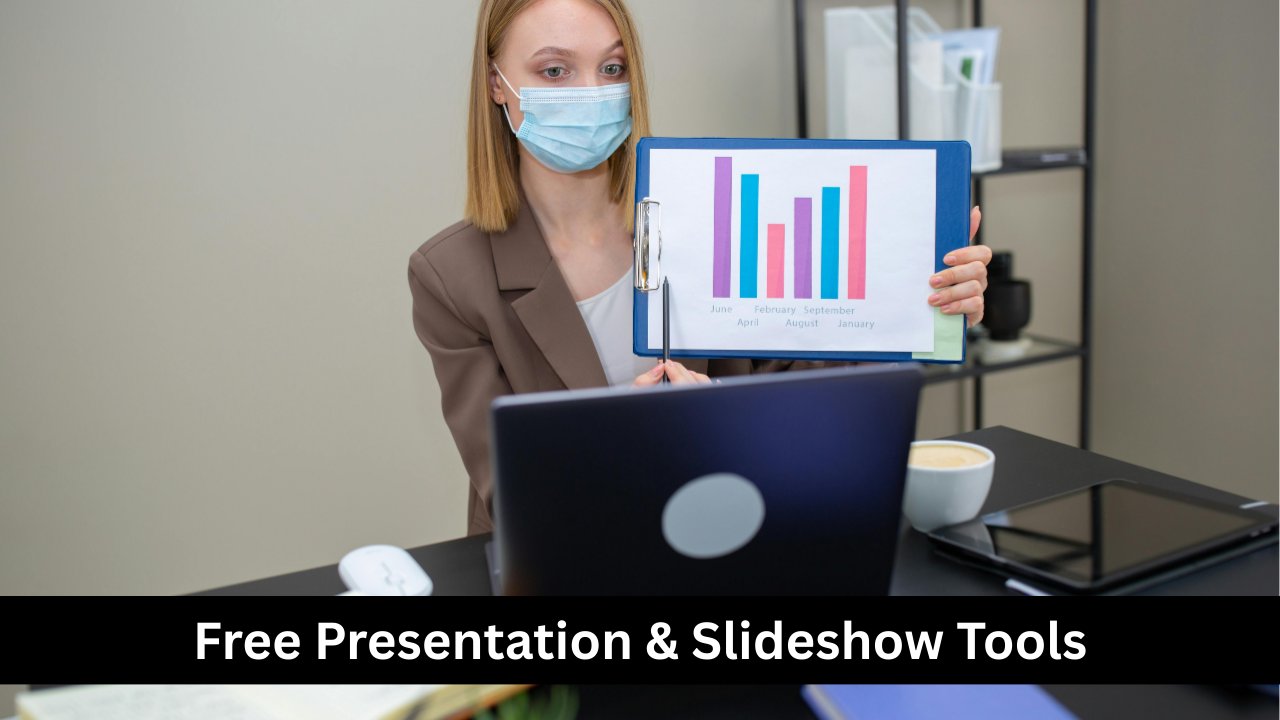
Presentation tools like Google Slides, Canva, and Prezi provide powerful options for creating engaging, visually rich slideshows. These platforms offer templates, images, icons, animations, and collaboration features that make it easy for students and teachers to design professional-looking presentations. Students often use these tools for class projects, group work, and research assignments. Teachers rely on them to deliver lessons, display visual aids, or create flipped-classroom materials. Many tools allow real-time teamwork and cloud-based saving, meaning presentations are always accessible. Their ease of use and creative flexibility help make learning more dynamic and interactive.
Writing, Grammar & Research Tools
Free writing tools like Grammarly, Google Docs, and Hemingway Editor support students in improving their writing skills by offering grammar corrections, clarity suggestions, and readability analysis. These tools help students produce cleaner, better-structured essays, reports, and emails. Teachers benefit from easier editing and feedback features built into platforms like Google Docs, allowing them to comment directly on student work. Research tools such as Google Scholar and Zotero help students find credible sources and organize citations. These resources encourage accuracy, academic honesty, and stronger writing habits. Combined, writing and research tools make academic tasks more manageable and efficient.
Math & Science Learning Tools
Free math and science tools help students better understand complex concepts through interactive simulations, step-by-step problem solving, and engaging visual explanations. Platforms like GeoGebra, Desmos, and PhET Interactive Simulations make learning more hands-on by allowing users to manipulate variables, graph equations, and observe scientific principles in action. Students can practice skills independently, explore new ideas, and receive instant feedback. Teachers can integrate these tools into lessons to demonstrate abstract concepts in a more relatable way. Whether it’s algebra, geometry, physics, or chemistry, these resources provide an accessible and highly effective learning experience for students of all levels.
Coding & STEM Education Tools
Free coding and STEM tools introduce students to programming, robotics, and digital creativity. Platforms like Scratch, Code.org, and Tynker teach coding concepts through interactive games and projects, making it easy for beginners to learn without feeling overwhelmed. These tools help develop problem-solving skills, logical thinking, and creativity—skills essential for future careers in science and technology. Teachers can use built-in lesson plans, activities, and challenges to guide classroom instruction. Many tools also support remote learning and allow students to share their creations. Coding and STEM tools make technical subjects more fun, accessible, and engaging for learners of all ages.
Language Learning Apps
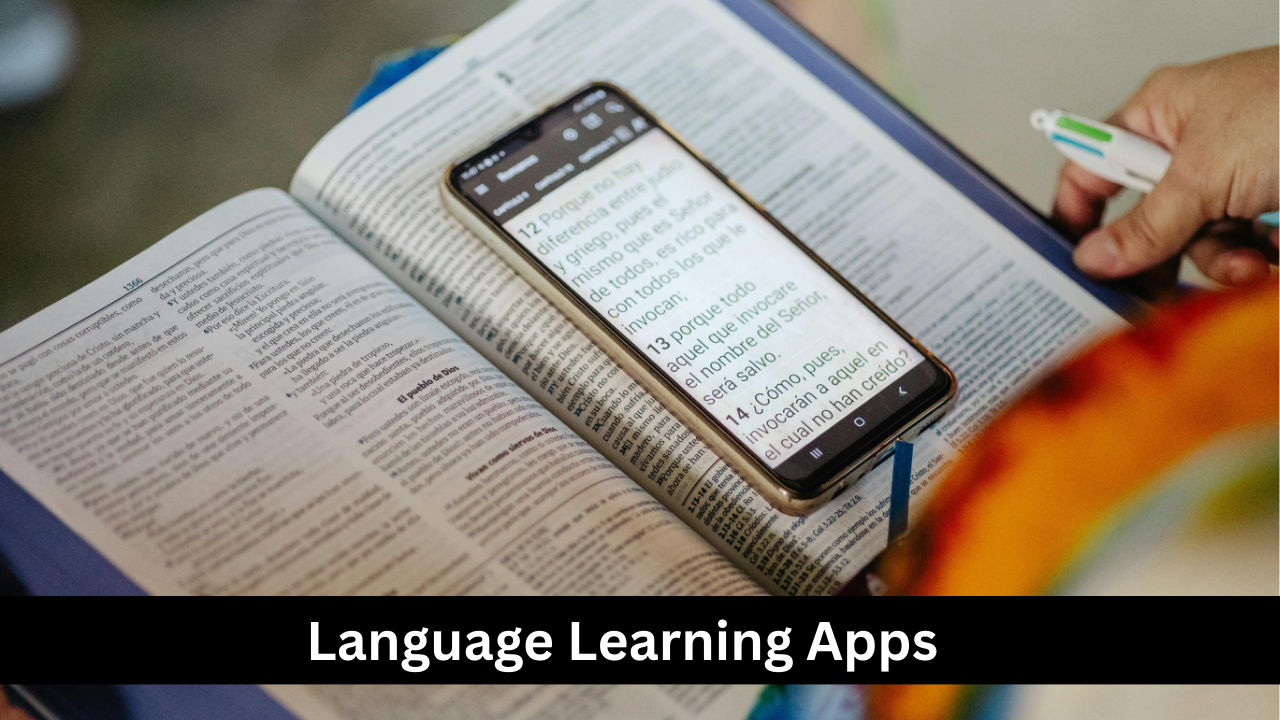
Language learning platforms like Duolingo, Memrise, and Busuu offer free lessons designed to build vocabulary, grammar skills, and pronunciation through short, interactive activities. These tools make learning a new language enjoyable by using gamified features such as streaks, rewards, and levels. Students can practice daily at their own pace, while teachers can use these apps to support classroom instruction or assign supplemental practice. Many apps include listening and speaking exercises that help develop communication skills. With lessons available in dozens of languages, these apps provide an accessible and engaging way for learners to broaden their global communication abilities.
Classroom Collaboration Platforms
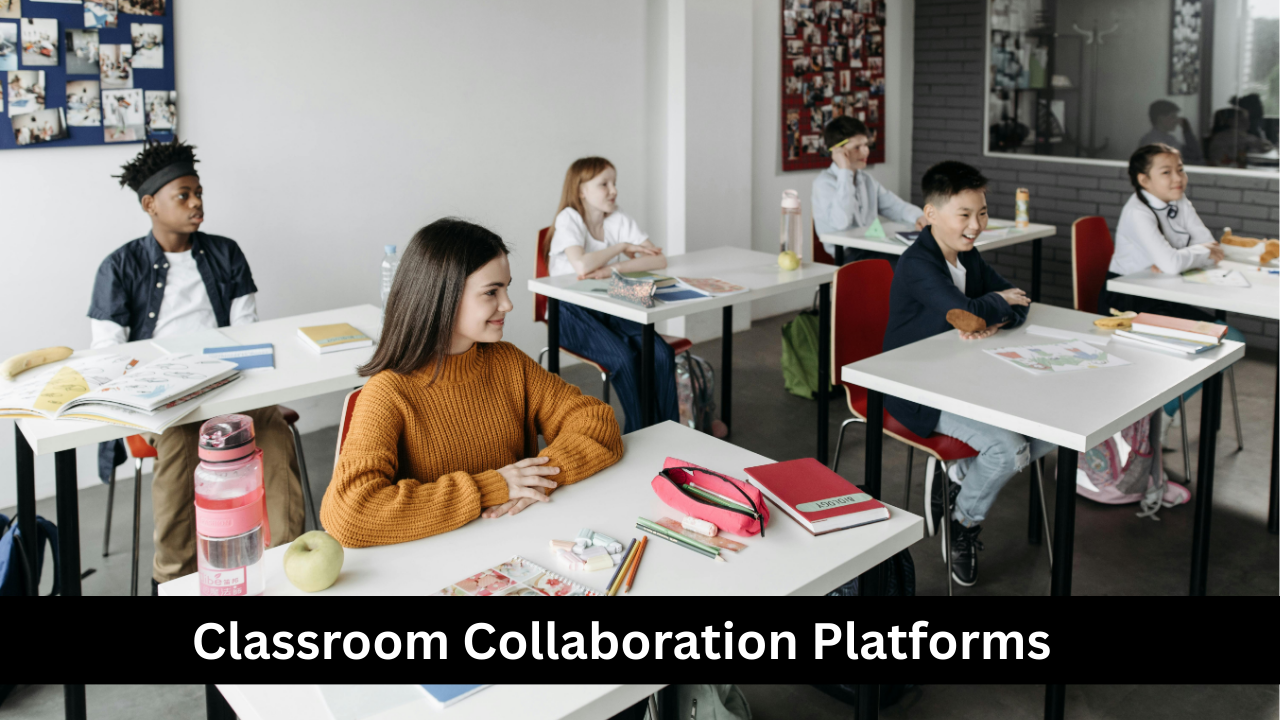
Collaboration tools like Padlet, Google Workspace, and Microsoft OneDrive allow students and teachers to work together on shared documents, projects, and discussions in real time. These platforms encourage teamwork, creativity, and communication among students, even when they’re not physically in the same room. Teachers can create shared boards, group assignments, or brainstorming sessions, making learning more interactive. Students can contribute ideas, upload files, or comment on classmates’ work in a structured digital environment. These platforms are especially helpful for blended or remote learning, ensuring that collaboration remains smooth and organized. Their ease of use makes them a classroom essential.
Mind Mapping & Brainstorming Tools
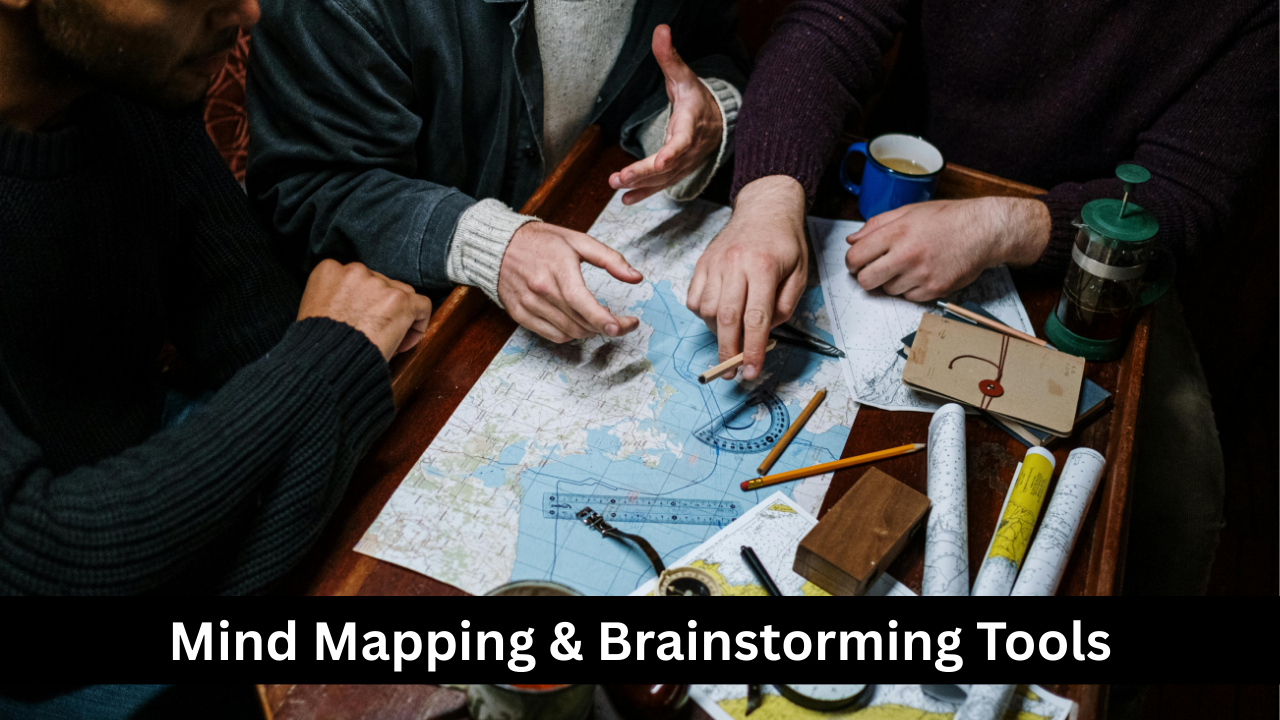
Mind mapping tools such as MindMeister, Coggle, and Miro help students visually organize ideas, plan essays, map out projects, and break down complex topics. These tools allow users to create diagrams, add branches, insert images, and link concepts together. Teachers can use mind maps for lesson planning, brainstorming sessions, or class discussions. Visual thinking supports better comprehension and memory retention because it helps students see how ideas connect. These tools are especially useful for visual learners, group work, and creative assignments. Free versions of mind mapping platforms provide enough features to support daily classroom and study use.
Digital Reading & eBook Platforms
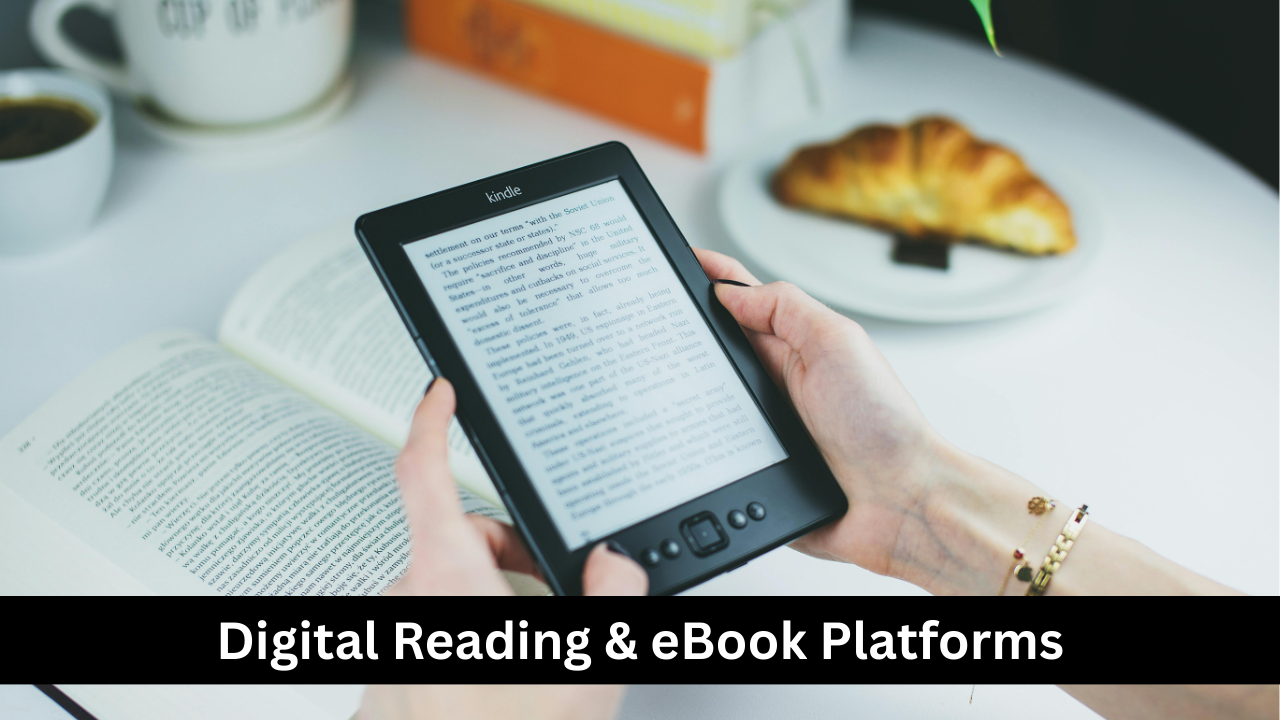
Digital reading tools like Google Books, Project Gutenberg, and Libby give students free access to thousands of books, articles, and educational texts. These platforms allow readers to download or view books on any device, making reading more convenient and accessible. Students can highlight text, search for phrases, or adjust font size for comfort. Teachers can assign readings, create digital book lists, and encourage independent reading habits. Many platforms also offer audiobooks, supporting students who prefer or require auditory learning. Free digital libraries significantly reduce barriers to reading and provide valuable resources for both academic study and leisure reading.
Free Creativity & Design Tools
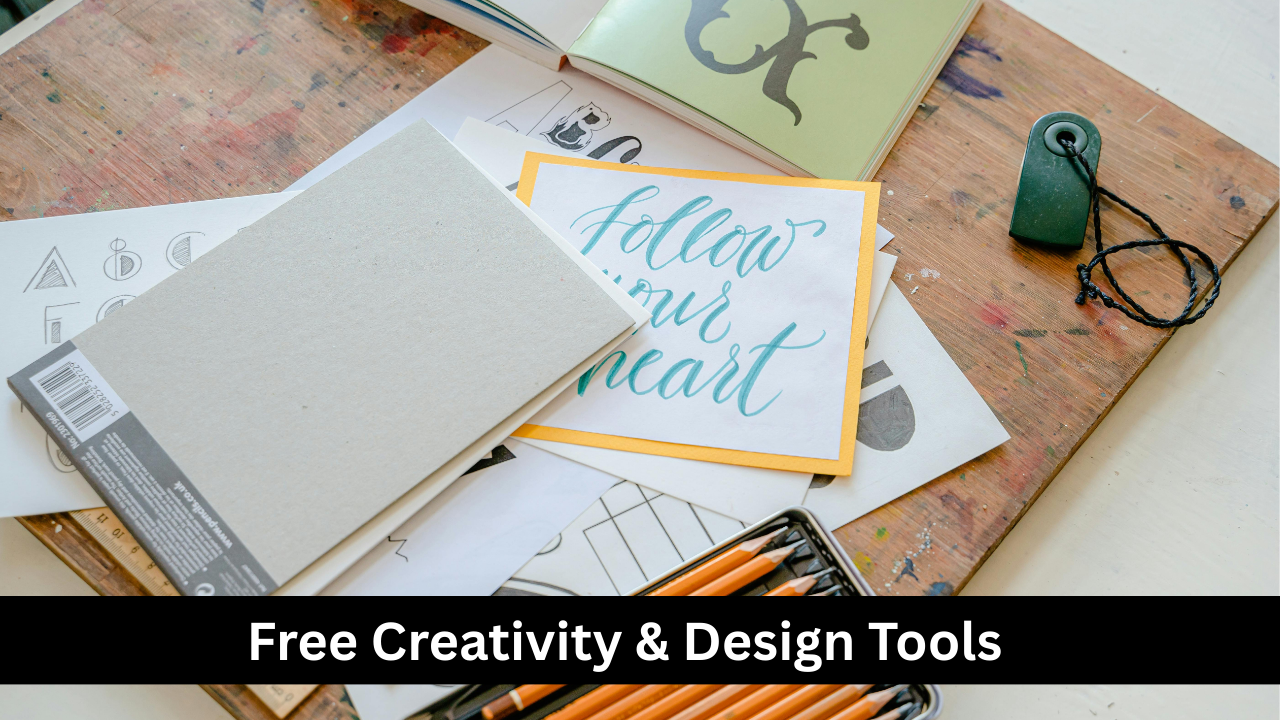
Creativity tools like Canva, Pixlr, and Sketchpad give students and teachers free access to graphic design features for school projects, presentations, posters, and educational materials. These platforms offer templates, drag-and-drop editing, and a variety of design elements that make it easy to create visually appealing content. Students can express creativity through digital art, infographics, or multimedia assignments. Teachers can design worksheets, lesson visuals, and classroom posters. These tools require no advanced design skills, making them suitable for all ages. By encouraging creativity, these platforms help students develop confidence in their visual communication abilities.

Browser Extensions for Focus & Efficiency
Browser extensions like StayFocusd, Momentum, and Grammarly boost student productivity by reducing distractions and improving work quality. These tools help students stay on track by limiting time spent on non-educational sites, offering calming dashboards, or providing corrections as they type. Teachers can recommend these tools to help students build better digital habits and focus during online study sessions. Some extensions also support quick note-taking, citation generation, or screen recording. Because they run in the background, they seamlessly enhance the online learning experience. Browser extensions are simple yet powerful tools that make studying more efficient and disciplined.

Parental Control & Safety Tools
Tools like Google Family Link, Qustodio, and SafeSearch help maintain a secure digital learning environment for younger students. These platforms allow parents and teachers to monitor screen time, block harmful content, and track app usage. In educational settings, digital safety is essential to ensure that students stay focused and protected while learning online. These tools also teach children responsible internet behavior by setting boundaries and promoting safe browsing. For teachers, classroom safety platforms ensure that students remain on appropriate websites during technology-based lessons. Free parental control tools provide peace of mind while supporting a healthy digital routine.
Accessibility Tools for Inclusive Learning
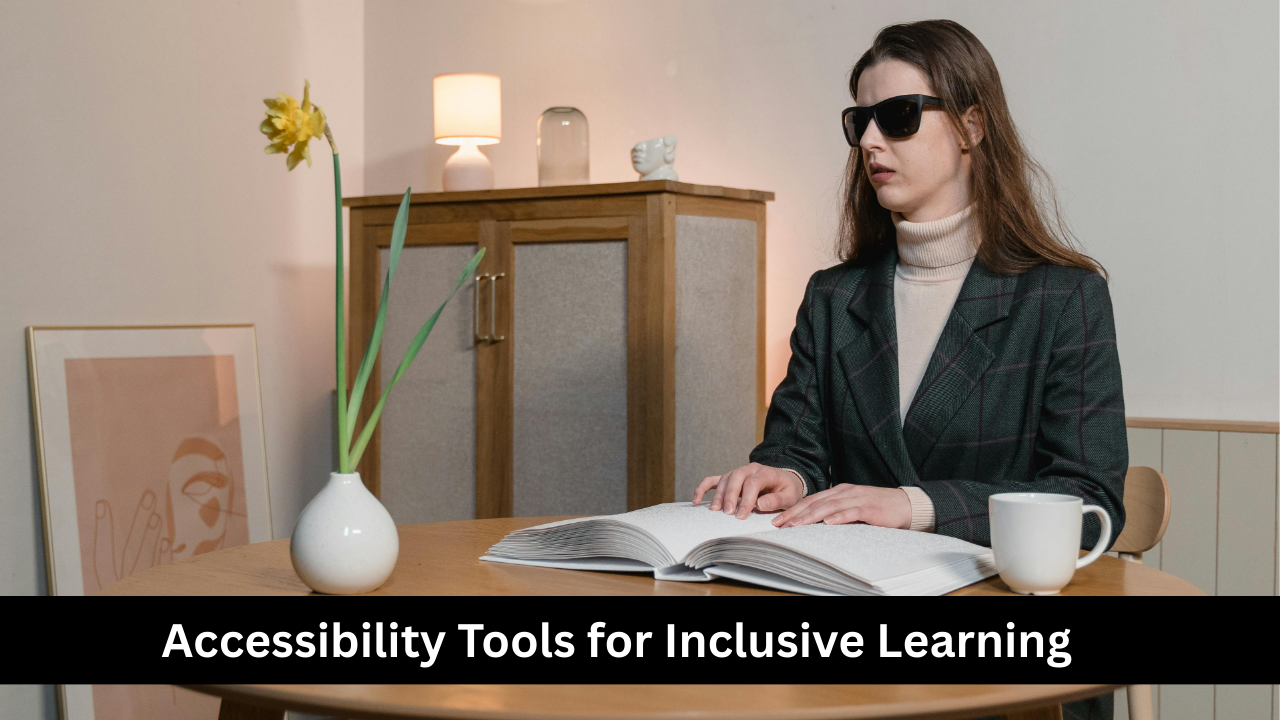
Accessibility tools ensure that all students—including those with disabilities—can participate fully in learning activities. Tools like Google Read & Write, Microsoft Immersive Reader, and NaturalReader provide features such as text-to-speech, speech-to-text, dyslexia-friendly fonts, high-contrast modes, and translation support. These help students with reading difficulties, visual impairments, or language barriers access content more effectively. Teachers can use accessibility tools to differentiate instruction, create inclusive lessons, and support diverse learning needs. By offering multiple ways to engage with content, accessibility tools promote equity in education and help every student succeed regardless of learning challenges.