
Table of Contents
- Task Management Tools
- Project Management Platforms
- Note-Taking Applications
- Calendar and Scheduling Tools
- Time Tracking Software
- Habit and Goal Tracking Apps
- Cloud Storage Solutions
- Collaboration and Communication Tools
- Email Management Tools
- Focus and Distraction-Blocking Apps
- Mind Mapping and Brainstorming Tools
- Document Editing and Collaboration Platforms
- File Organization and Backup Tools
- Automation and Workflow Tools
- Password Management Applications
- Digital Whiteboards
- CRM (Customer Relationship Management) Tools
- Knowledge Management Systems
- Personal Finance and Budgeting Apps
- Productivity Analytics and Insights Tools
Task Management Tools
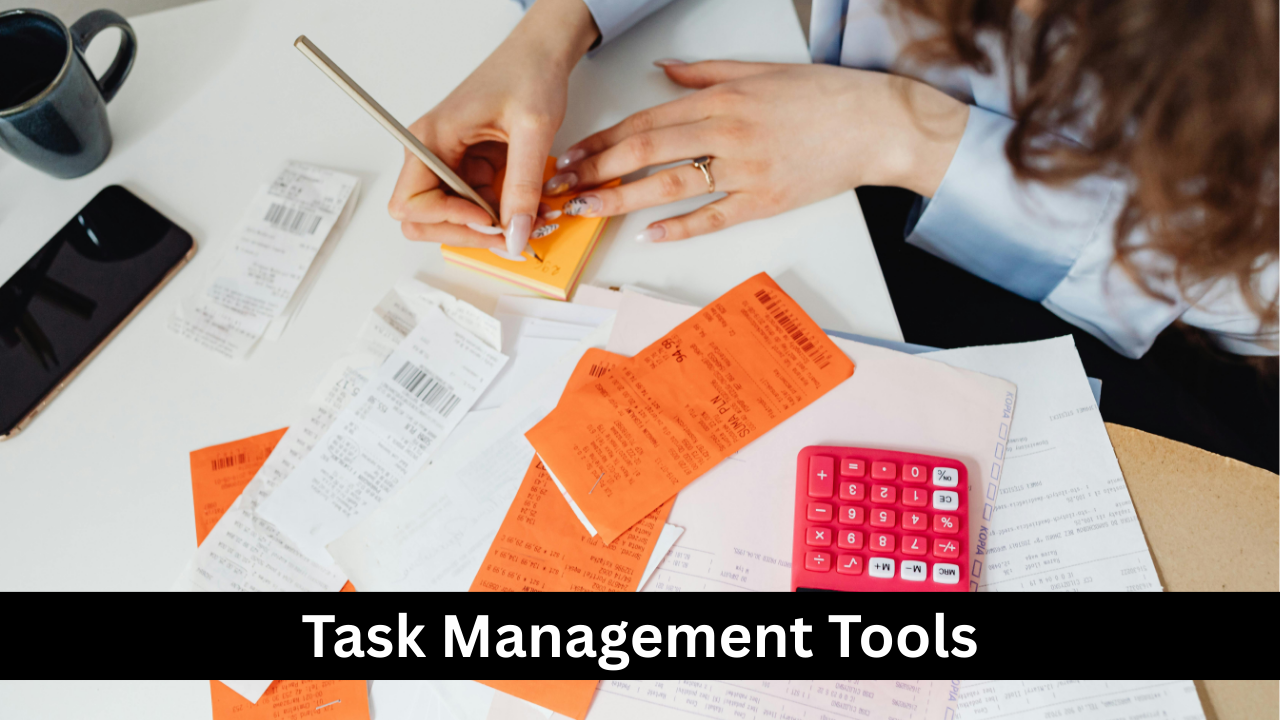
Task management tools help individuals and teams organize, prioritize, and track their daily responsibilities. These tools allow users to create tasks, set deadlines, add notes, and monitor progress, reducing the likelihood of forgetting important assignments. Popular examples include Todoist, Microsoft To Do, and TickTick. Beyond simple task lists, many platforms offer features such as categorization by project, recurring tasks, and progress tracking. By providing a clear overview of pending and completed work, task management tools help reduce mental clutter, increase focus, and ensure deadlines are met efficiently, which is essential for productivity in both personal and professional contexts.

Project Management Platforms
Project management platforms are designed to handle complex workflows that involve multiple team members and tasks. Tools like Asana, Trello, and Monday.com allow teams to assign tasks, set milestones, and visualize progress through boards, timelines, or Gantt charts. These platforms promote collaboration, prevent bottlenecks, and ensure everyone is aligned on project goals. Features such as task dependencies, automated reminders, and file sharing streamline communication and reduce the need for constant meetings. By centralizing project data, these platforms enable teams to work more efficiently, improve accountability, and deliver projects on time without unnecessary stress.

Note-Taking Applications
Note-taking applications provide a digital space to capture ideas, meeting notes, and research in an organized manner. Apps like Evernote, Notion, and OneNote allow users to structure information through notebooks, tags, or folders. Many support multimedia notes, including images, audio recordings, and embedded links, enhancing the richness of captured information. These tools also offer search functionality, ensuring notes are easily retrievable when needed. By replacing scattered paper notes and memos, note-taking apps increase efficiency, reduce information loss, and support knowledge management, making them essential for students, professionals, and anyone seeking to maintain organized records of their thoughts and tasks.

Calendar and Scheduling Tools
Calendar and scheduling tools help users plan their time effectively, preventing missed appointments and overlapping commitments. Platforms like Google Calendar, Microsoft Outlook, and Calendly offer features such as event creation, recurring meetings, reminders, and time zone coordination. These tools can integrate with task management apps, email platforms, and video conferencing software, creating a seamless workflow. By providing a visual overview of daily, weekly, and monthly schedules, calendar apps assist with prioritization, time blocking, and planning breaks. Effective scheduling tools reduce stress, increase productivity, and ensure that deadlines and meetings are managed efficiently in both personal and professional life.
Time Tracking Software
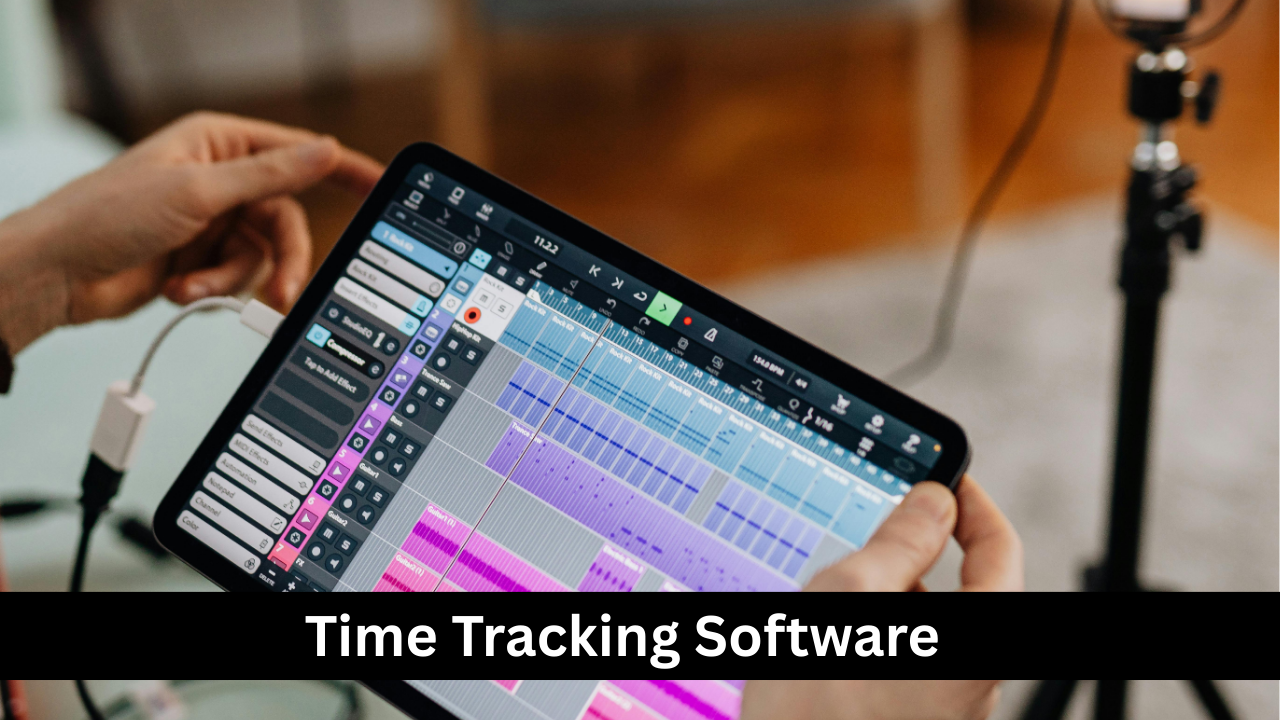
Time tracking software helps individuals and teams monitor how their time is spent, improving accountability and productivity. Tools like Toggl, Clockify, and RescueTime allow users to log hours on tasks, analyze productivity patterns, and identify time-wasting activities. Many platforms provide reports, charts, and insights that inform better time management decisions. For freelancers and remote teams, time tracking tools are especially useful for billing clients and ensuring fair compensation. By creating awareness of time allocation, these tools encourage focused work, minimize distractions, and help establish routines that maximize efficiency while maintaining a healthy work-life balance.
Habit and Goal Tracking Apps
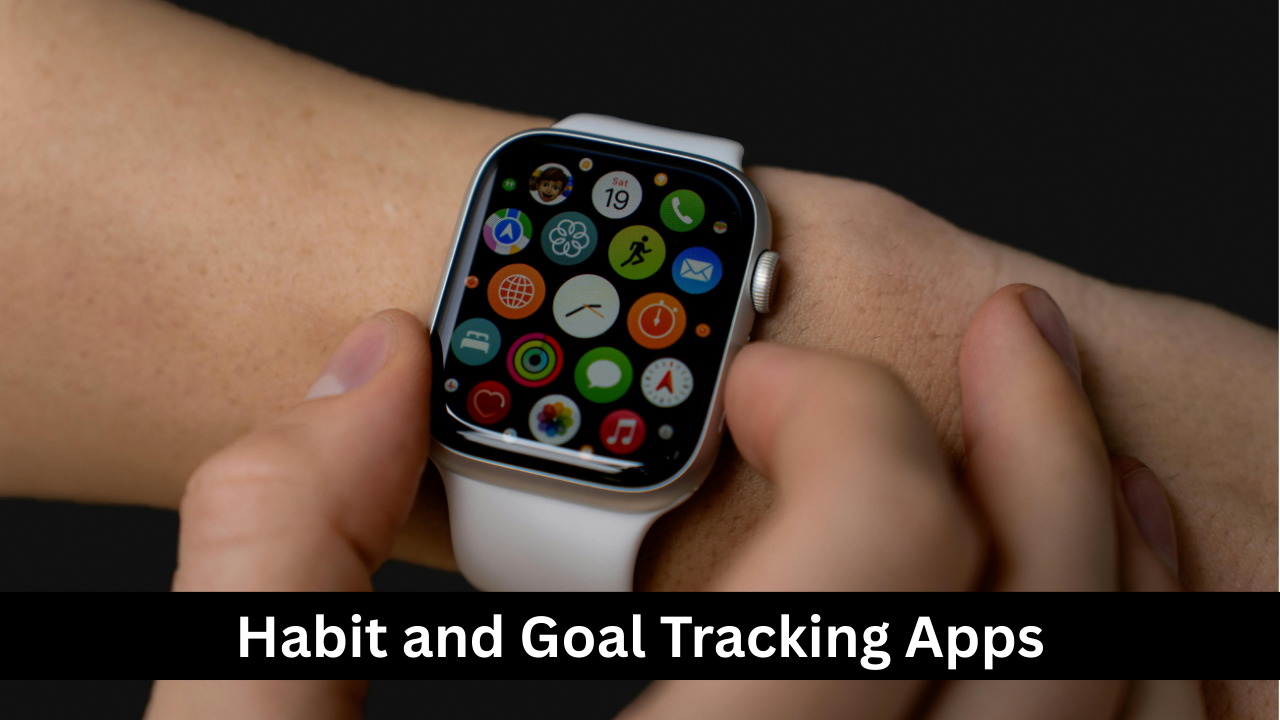
Habit and goal tracking apps encourage personal growth by helping users establish, monitor, and maintain positive habits over time. Applications like Habitica, Streaks, and Strides allow users to set daily, weekly, or long-term goals and track progress through visual streaks or checklists. Many apps provide reminders, motivational prompts, and even gamification elements to increase engagement. By breaking down large goals into manageable steps, these tools help build consistency and accountability, which is key to long-term success. Tracking habits digitally makes it easier to identify patterns, celebrate achievements, and adjust strategies for better outcomes.
Cloud Storage Solutions
Cloud storage solutions provide a secure, accessible way to store and manage digital files. Services like Google Drive, Dropbox, and OneDrive allow users to upload documents, photos, and other files to a centralized platform that can be accessed from any device. Features such as real-time collaboration, version history, and shared folders enhance teamwork and prevent data loss. By reducing dependency on physical storage and enabling seamless sharing, cloud storage improves productivity and organization. These platforms also support integration with productivity apps, ensuring that files, tasks, and communications are all streamlined for efficient workflow management.

Collaboration and Communication Tools
Collaboration and communication tools facilitate teamwork by enabling seamless interaction regardless of location. Platforms like Slack, Microsoft Teams, and Zoom allow messaging, video calls, file sharing, and team discussions in real time. These tools help reduce email overload, centralize project communication, and maintain transparency across teams. Features like channels, threads, and integration with other productivity apps keep conversations organized and contextual. By providing instant access to colleagues and project information, these tools improve decision-making, speed up workflows, and foster a connected work environment, which is especially valuable for remote or distributed teams.

Email Management Tools
Email management tools help users organize, prioritize, and efficiently handle incoming messages. Applications like Spark, Superhuman, and Clean Email offer features such as smart inboxes, automated filtering, snoozing, and batch processing. These tools reduce the time spent on sorting and responding to emails, prevent important messages from being overlooked, and streamline communication. By integrating with calendars and task management platforms, email management tools transform email from a chaotic communication channel into a productivity hub. Proper email management not only improves workflow efficiency but also reduces stress caused by overflowing inboxes.

Focus and Distraction-Blocking Apps
Focus and distraction-blocking apps help individuals maintain concentration by limiting access to distracting websites, apps, or notifications. Tools like Freedom, Forest, and Cold Turkey allow users to set timed focus sessions or block certain apps during work hours. Many apps provide gamification elements or rewards to encourage sustained focus. By reducing interruptions, these tools improve productivity, increase efficiency, and enhance the quality of work. For students, remote workers, or anyone struggling with digital distractions, focus apps serve as a valuable tool to create a structured work environment, strengthen self-discipline, and achieve more in less time.
Mind Mapping and Brainstorming Tools
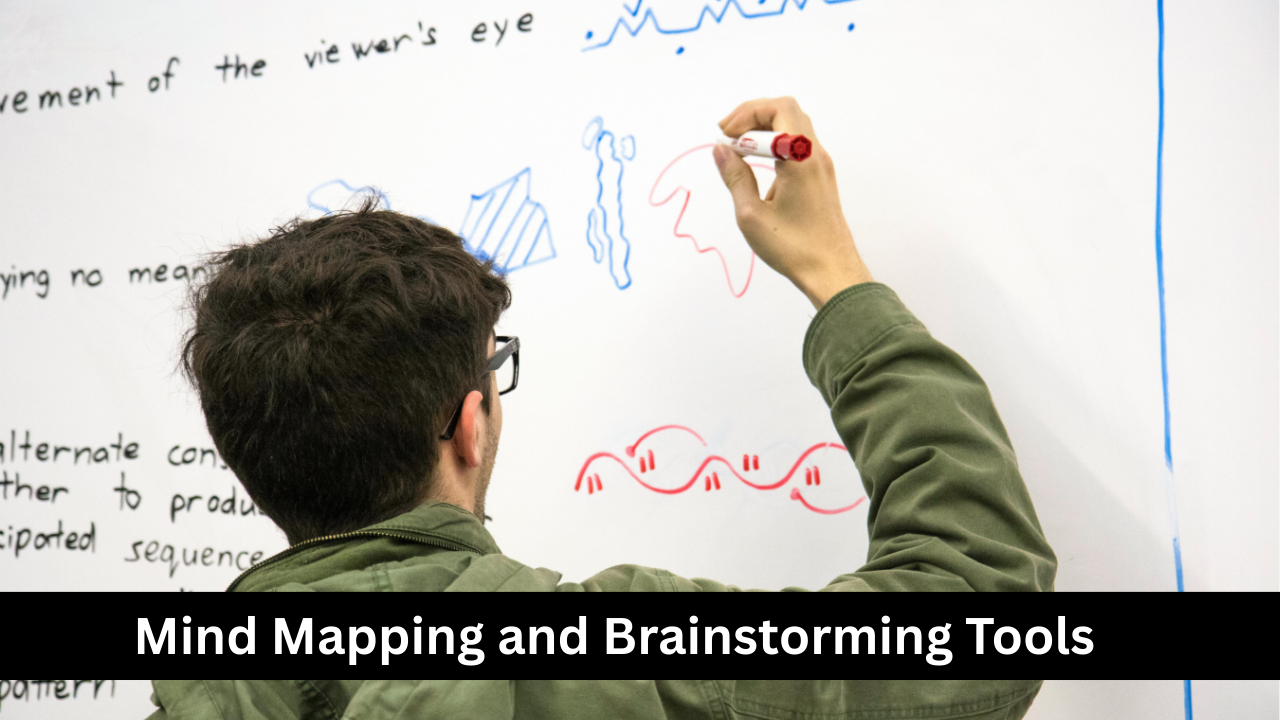
Mind mapping and brainstorming tools are designed to help individuals and teams organize thoughts visually and generate creative ideas. Applications like MindMeister, XMind, and Miro allow users to create diagrams that link concepts, tasks, or projects in a structured, intuitive format. These tools enhance understanding, memory retention, and collaborative brainstorming sessions by enabling participants to see the big picture and relationships between ideas. Many mind mapping tools also integrate with project management and note-taking apps, allowing seamless workflow transitions. By fostering creativity, clarity, and structured thinking, these platforms are essential for problem-solving, planning, and innovation.

Document Editing and Collaboration Platforms
Document editing and collaboration platforms enable multiple users to create, edit, and review documents in real time. Tools like Google Docs, Microsoft 365, and Zoho Writer support simultaneous collaboration, track changes, and allow commenting, which streamlines feedback processes. These platforms reduce the need for back-and-forth email attachments and version conflicts while enhancing team productivity. Integration with cloud storage and project management tools ensures all work remains centralized and accessible. By making document management collaborative, efficient, and transparent, these tools are essential for businesses, educational institutions, and creative projects, promoting smooth workflow and timely completion of tasks.
File Organization and Backup Tools
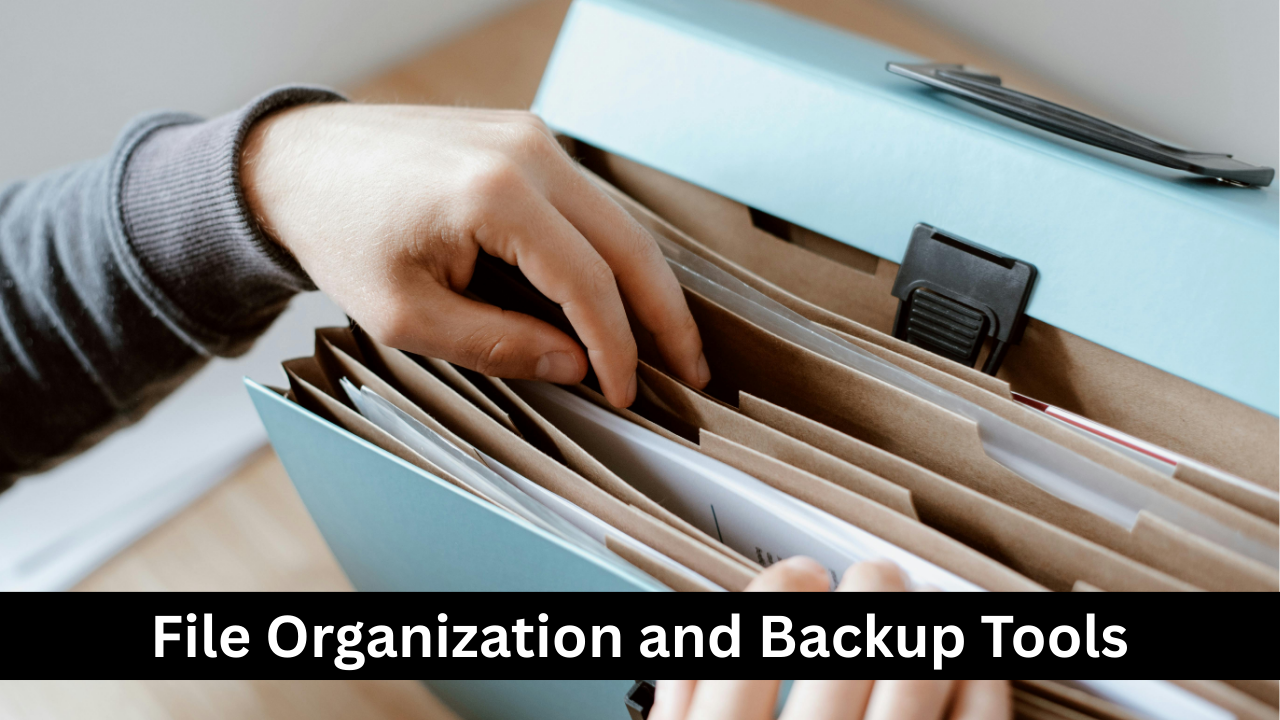
File organization and backup tools help users maintain a structured digital workspace while protecting important data. Applications like WinDirStat, TreeSize, and Backblaze allow users to categorize files, identify storage usage, and create automatic backups. By ensuring files are logically organized and securely stored, these tools prevent data loss, reduce clutter, and save time spent searching for documents. Regular backups, whether local or cloud-based, provide peace of mind against accidental deletion, hardware failure, or cyber threats. For both personal and professional users, these tools are vital for maintaining an efficient and reliable digital environment.
Automation and Workflow Tools
Automation and workflow tools streamline repetitive tasks, allowing users to focus on higher-priority work. Platforms like Zapier, IFTTT, and Microsoft Power Automate enable integration between apps to automatically trigger actions, such as saving email attachments to cloud storage or posting social media updates. These tools reduce manual effort, minimize errors, and increase overall productivity. By automating routine processes, users can free up time for strategic or creative tasks, enhance team collaboration, and maintain consistency in workflows. In today’s fast-paced digital environment, automation tools are essential for efficiency, scalability, and time management.

Password Management Applications
Password management applications help users securely store and manage their login credentials across multiple platforms. Tools like LastPass, 1Password, and Dashlane allow users to generate strong passwords, autofill login details, and safely share credentials with authorized individuals. By reducing the need to remember multiple passwords, these apps enhance security and protect against cyber threats. Many platforms also offer breach alerts and two-factor authentication integration for added protection. By simplifying credential management and maintaining robust security, password management applications are indispensable for individuals and organizations aiming to safeguard sensitive information while maintaining productivity.
Digital Whiteboards
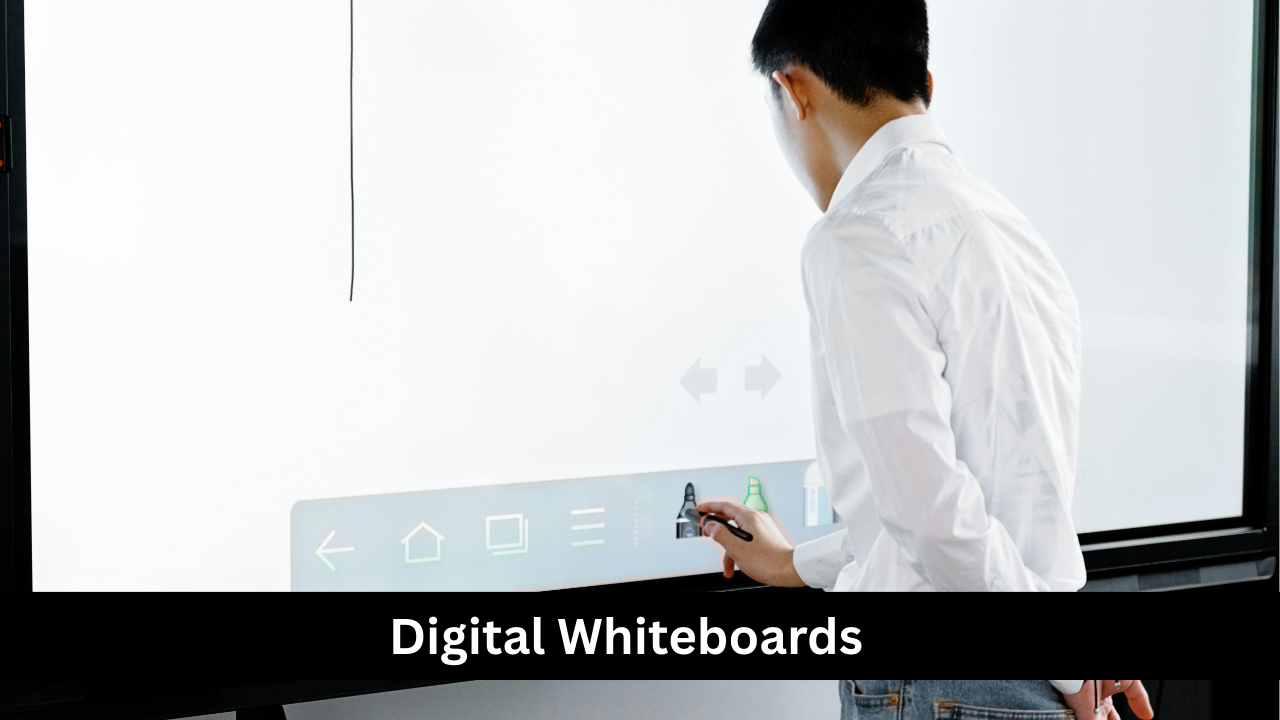
Digital whiteboards replicate the traditional whiteboard experience in a virtual environment, allowing for visual collaboration and idea mapping. Tools like Miro, MURAL, and Jamboard provide features such as sticky notes, drawing tools, templates, and real-time collaboration. Teams can brainstorm, plan projects, and visualize workflows without the constraints of physical space. Digital whiteboards are particularly valuable for remote teams, workshops, or presentations, as they facilitate interactive engagement and clear communication. By combining creativity, organization, and collaboration, these platforms enhance productivity and enable efficient problem-solving, regardless of team location.

CRM (Customer Relationship Management) Tools
CRM tools help businesses manage interactions with clients, streamline sales processes, and improve customer relationships. Platforms like Salesforce, HubSpot, and Zoho CRM allow companies to store customer data, track communications, manage leads, and automate follow-ups. By centralizing client information, CRM tools provide teams with insights to personalize engagement, enhance customer satisfaction, and identify growth opportunities. Integration with email, marketing, and project management platforms further enhances efficiency. CRM tools are essential for sales, marketing, and support teams, ensuring that businesses maintain organized, data-driven, and proactive customer interactions.

Knowledge Management Systems
Knowledge management systems (KMS) centralize organizational knowledge, making information easily accessible and shareable. Tools like Confluence, Notion, and Guru allow teams to document processes, maintain FAQs, and collaborate on knowledge repositories. By organizing institutional knowledge, KMS reduces redundancy, improves onboarding, and enhances decision-making. Features such as search functionality, version control, and access permissions ensure the right information reaches the right people efficiently. For businesses, educational institutions, and research teams, knowledge management systems foster learning, continuity, and productivity while preserving critical intellectual capital over time.

Personal Finance and Budgeting Apps
Personal finance and budgeting apps help individuals track income, expenses, and financial goals to make informed decisions. Tools like Mint, YNAB (You Need A Budget), and PocketGuard provide features such as automated transaction tracking, expense categorization, budget creation, and financial goal monitoring. By offering insights into spending patterns and financial habits, these apps encourage better money management and planning. Alerts and reminders help users stay on track with bills and savings goals. Using these tools, individuals can reduce financial stress, optimize resources, and build long-term financial security while maintaining organized financial records.

Productivity Analytics and Insights Tools
Productivity analytics and insights tools provide detailed data on how time, tasks, and resources are utilized. Platforms like RescueTime, Time Doctor, and Clockify analyze work patterns, identify bottlenecks, and highlight areas for improvement. By offering reports, charts, and recommendations, these tools help individuals and teams optimize workflows, reduce wasted time, and improve efficiency. Integration with task management, communication, and project management software enhances their usefulness by providing context-rich insights. For organizations and individuals aiming to enhance performance, productivity analytics tools are invaluable for informed decision-making, better prioritization, and continuous improvement.