Table of Contents
1 Introduction to Cloud Tools for Remote Teams
2 Benefits of Cloud Tools for Remote Collaboration
3 Communication Tools for Remote Teams
4 Video Conferencing Platforms
5 Team Messaging and Chat Apps
6 Project Management Tools
7 Task and Workflow Management Software
8 Document Collaboration and Cloud Storage
9 File Sharing and Version Control Tools
10 Cloud-Based Productivity Suites
11 Time Tracking and Productivity Monitoring Tools
12 Virtual Whiteboards and Brainstorming Tools
13 Cloud CRM and Sales Tools for Remote Teams
14 Cloud Security and Privacy Solutions
15 Integration and Automation Tools
16 Cloud-Based Design and Creative Tools
17 Remote Access and VPN Tools
18 Analytics and Reporting Tools for Remote Teams
19 Best Practices for Using Cloud Tools Effectively
20 Future Trends in Cloud Tools for Remote Work
Introduction to Cloud Tools for Remote Teams
Cloud tools are digital platforms that enable remote teams to collaborate, communicate, and manage work from anywhere in the world. With the increasing trend of remote work, these tools have become essential for businesses of all sizes. They eliminate geographical barriers, allow real-time collaboration, and centralize team resources in one accessible location. From document sharing and project management to communication and analytics, cloud tools cover a wide range of functions. Implementing the right combination of cloud tools ensures smooth workflows, enhances productivity, and strengthens team cohesion despite physical distances.

Benefits of Cloud Tools for Remote Collaboration
Cloud tools offer numerous advantages for remote collaboration. They provide instant access to files and resources, allowing teams to work asynchronously without delays. Cloud platforms support real-time editing, version control, and secure storage, reducing errors and redundancies. They improve transparency by tracking project progress and individual contributions. Communication is streamlined through integrated messaging, video calls, and notifications. Moreover, cloud tools scale with business growth, making it easy to add new users or features. Cost efficiency is another major benefit, as companies avoid heavy infrastructure investments by using cloud-based solutions.

Communication Tools for Remote Teams
Effective communication is the backbone of successful remote work. Cloud-based communication tools facilitate instant messaging, voice calls, and video conferencing to keep teams connected. Platforms like Slack, Microsoft Teams, and Zoom integrate messaging, file sharing, and task notifications in one interface. These tools reduce email clutter, provide searchable conversation histories, and allow organized channels for different projects or departments. Communication tools also enable quick feedback, brainstorming sessions, and client meetings without geographical limitations. The right communication tool can dramatically improve team cohesion, ensure clarity, and minimize misunderstandings among remote team members.

Video Conferencing Platforms
Video conferencing has become a critical component for remote teams to maintain personal interaction and collaboration. Platforms like Zoom, Microsoft Teams, Google Meet, and Cisco Webex allow teams to conduct virtual meetings, presentations, and workshops. Video calls help preserve human connection, enabling non-verbal communication cues like body language and facial expressions. Many platforms also include screen sharing, recording, and live captions, improving accessibility and productivity. For global teams, these tools often offer scheduling across multiple time zones, integration with calendars, and seamless transitions between chat and video, ensuring meetings are efficient and effective.

Team Messaging and Chat Apps
Team messaging and chat applications are essential for fast and informal communication. Tools such as Slack, Microsoft Teams, and Discord provide organized channels for departments, projects, or topics. Unlike emails, chat apps allow instant communication, quick file sharing, and integration with other cloud tools like task managers and calendars. Features such as threads, mentions, reactions, and bots help teams stay organized and responsive. Chat apps also encourage collaboration through shared resources, polls, and notifications, making them ideal for dynamic workflows. By providing a central hub for communication, these tools reduce delays and increase team efficiency.

Project Management Tools
Project management tools help remote teams plan, execute, and track tasks efficiently. Platforms like Asana, Trello, Jira, and Monday.com allow teams to create projects, assign tasks, set deadlines, and monitor progress visually. These tools offer dashboards, Kanban boards, Gantt charts, and timelines to improve transparency and accountability. Remote teams benefit from notifications, reminders, and real-time updates, ensuring tasks don’t fall through the cracks. By centralizing workflows and tracking performance, project management tools improve collaboration, streamline decision-making, and help teams meet deadlines consistently, regardless of location.
Task and Workflow Management Software
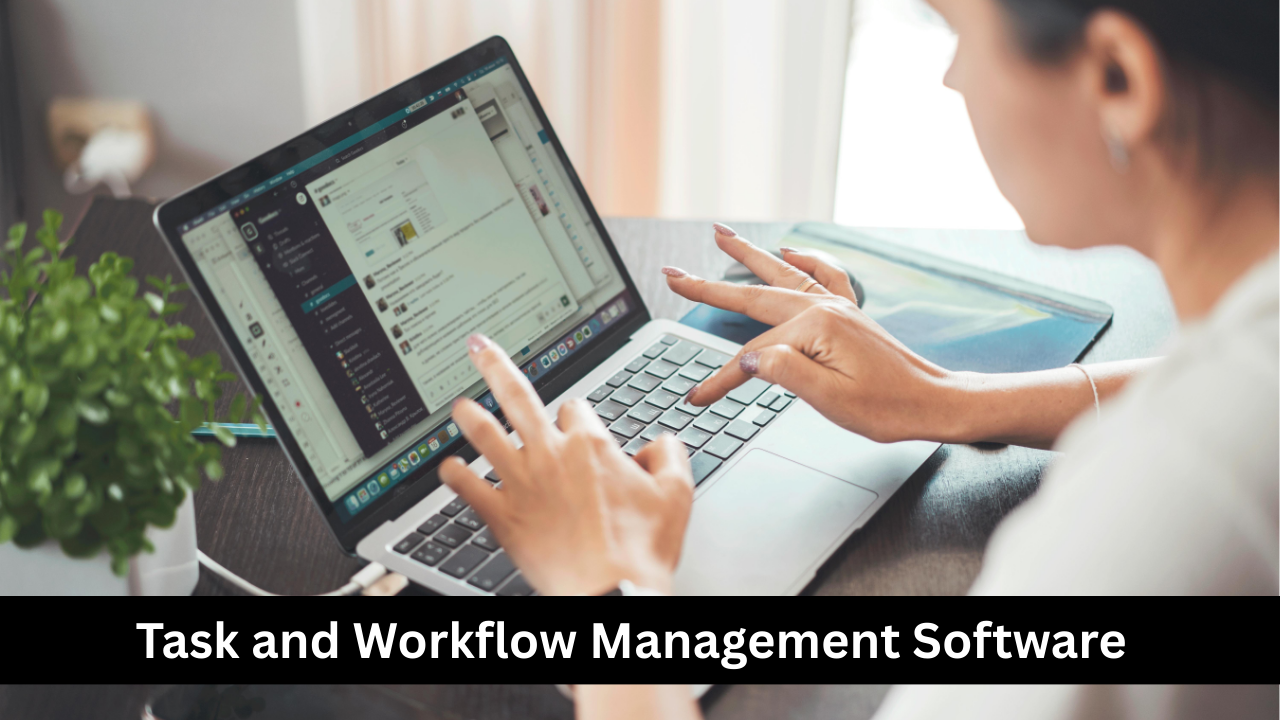
Task and workflow management software provides a structured way to manage recurring and complex processes. Tools like ClickUp, Wrike, and Smartsheet allow teams to create standardized workflows, assign responsibilities, and monitor performance metrics. Automation features reduce manual effort, such as automatically moving tasks between stages or notifying team members when deadlines approach. This software enhances accountability, ensures consistency, and enables efficient delegation. By visualizing workflows and dependencies, teams can identify bottlenecks, optimize productivity, and improve overall project delivery, making it an indispensable tool for remote teams managing multiple projects simultaneously.

Document Collaboration and Cloud Storage
Cloud-based document collaboration platforms like Google Workspace, Microsoft 365, and Dropbox enable teams to create, edit, and share documents in real-time. Multiple users can work on the same file simultaneously, with automatic version control preventing conflicts. These tools also offer secure storage, easy access from any device, and permissions management to protect sensitive data. Commenting, suggestions, and live editing features facilitate feedback and improve teamwork. By centralizing all documents in the cloud, teams reduce reliance on emails and local storage, making collaboration seamless, organized, and highly efficient for remote environments.

File Sharing and Version Control Tools
Remote teams rely heavily on file sharing and version control to maintain accuracy and accessibility. Tools like Dropbox, Google Drive, OneDrive, and GitHub enable secure storage and controlled access to files. Version control features track changes, allow rollback to previous versions, and provide audit trails for accountability. Teams can collaborate on large projects without worrying about overwriting work or losing data. Integration with other cloud tools ensures smooth workflows. Effective file sharing and version control not only enhance collaboration but also improve compliance, reduce errors, and save time for remote teams.

Cloud-Based Productivity Suites
Cloud-based productivity suites such as Google Workspace, Microsoft 365, and Zoho Office combine multiple essential tools into one platform. They typically include word processors, spreadsheets, presentations, email, calendars, and storage, all accessible from any device. These suites support real-time collaboration, task management, and seamless integration with other cloud tools. They reduce the need for multiple subscriptions, simplify IT management, and enhance productivity for remote teams. By providing a centralized environment for work, these suites streamline communication, collaboration, and documentation, making it easier for teams to focus on achieving business goals efficiently.

Time Tracking and Productivity Monitoring Tools
Time tracking and productivity monitoring tools help remote teams stay organized and accountable. Platforms like Toggl, Clockify, and Hubstaff allow team members to log hours, track project progress, and measure productivity in real-time. Managers can analyze time spent on tasks, identify bottlenecks, and allocate resources efficiently. Many tools offer integrations with project management software, making workflow tracking seamless. By providing insights into individual and team performance, these tools ensure deadlines are met and workload is balanced. Additionally, automated reporting reduces administrative burden, allowing teams to focus more on actual work rather than manual tracking.
Virtual Whiteboards and Brainstorming Tools
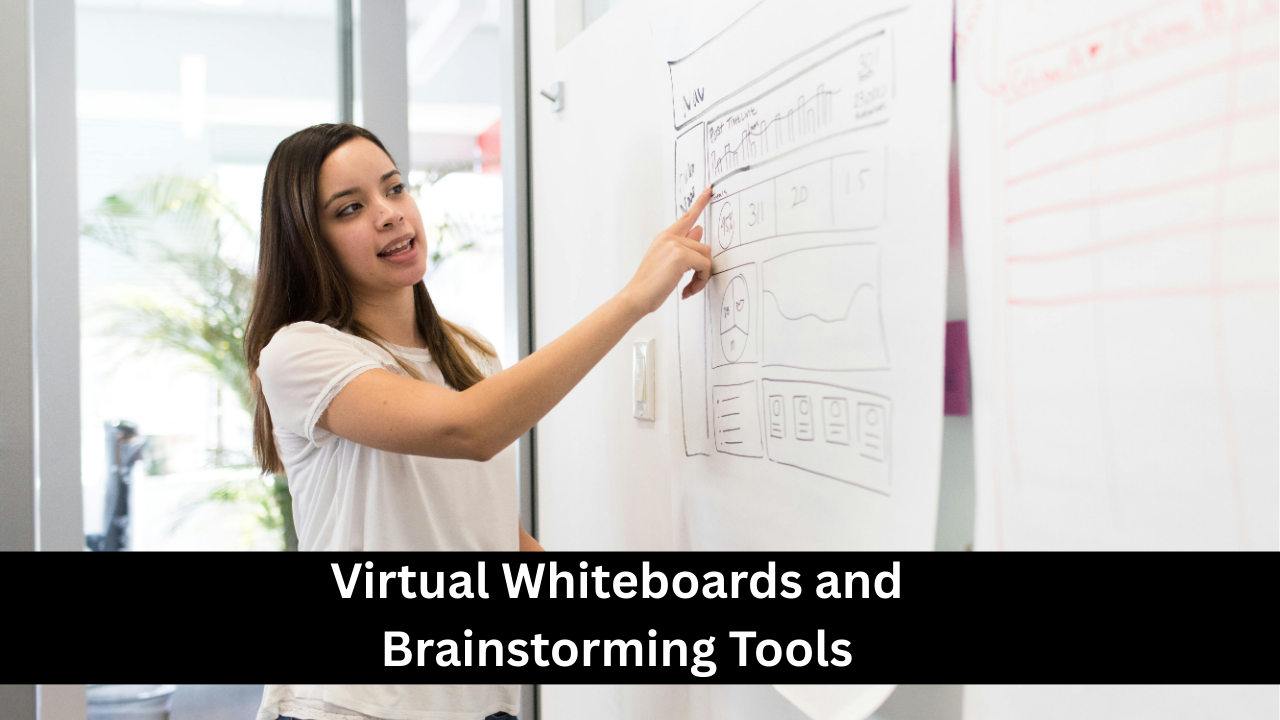
Virtual whiteboards and brainstorming tools enhance creativity and collaboration for remote teams. Platforms like Miro, MURAL, and Conceptboard allow multiple users to create diagrams, mind maps, and sticky notes in real-time. These tools replicate the experience of physical whiteboards, enabling visual collaboration even when team members are miles apart. They are particularly useful for ideation sessions, strategic planning, and workflow visualization. Features such as templates, real-time updates, commenting, and voting improve team engagement and ensure ideas are captured efficiently. These tools foster interactive collaboration, promote creative thinking, and make problem-solving more dynamic for remote teams.

Cloud CRM and Sales Tools for Remote Teams
Cloud-based Customer Relationship Management (CRM) and sales tools help remote sales teams manage leads, track customer interactions, and close deals efficiently. Platforms like Salesforce, HubSpot, and Zoho CRM centralize client data, automate workflows, and provide analytics for better decision-making. Remote teams can update customer information in real-time, schedule follow-ups, and collaborate on sales strategies without being physically present. Integration with email, messaging, and project management tools ensures seamless communication and reporting. These cloud solutions improve productivity, enhance customer experience, and provide data-driven insights, making sales processes more efficient and consistent across distributed teams.

Cloud Security and Privacy Solutions
Cloud security and privacy solutions are critical for protecting remote teams’ data and maintaining compliance. Tools like Okta, LastPass, and Cloudflare provide secure authentication, encryption, and access control for cloud-based systems. They protect sensitive information from cyber threats, unauthorized access, and data breaches. Security features include multi-factor authentication, single sign-on, and endpoint protection. For remote teams accessing company resources from various locations, cloud security ensures that workflows remain safe and compliant with industry regulations. Investing in robust security solutions builds trust, reduces risks, and allows remote teams to work confidently without compromising sensitive business or client data.

Integration and Automation Tools
Integration and automation tools streamline workflows by connecting multiple cloud platforms and automating repetitive tasks. Platforms like Zapier, Integromat (Make), and Automate.io allow teams to link apps, automate data transfer, and trigger actions across systems without manual intervention. For example, incoming emails can automatically create tasks, update spreadsheets, or send notifications. These tools reduce errors, save time, and enhance overall productivity. Remote teams benefit by maintaining synchronized workflows, ensuring that data remains consistent across platforms, and freeing up team members to focus on higher-value tasks. Automation also supports scalability as teams and processes grow.

Cloud-Based Design and Creative Tools
Cloud-based design and creative tools empower remote teams to collaborate on visual projects seamlessly. Platforms like Canva, Figma, and Adobe Creative Cloud allow multiple users to design, edit, and review creative assets in real-time. These tools support version control, commenting, and template sharing, eliminating the need for back-and-forth file exchanges. For design teams spread across locations, cloud tools make brainstorming, prototyping, and production faster and more efficient. Integration with other project management and communication tools ensures smooth workflows. By enabling collaborative creativity, these platforms help teams produce high-quality visuals while staying aligned on brand and project goals.
Remote Access and VPN Tools
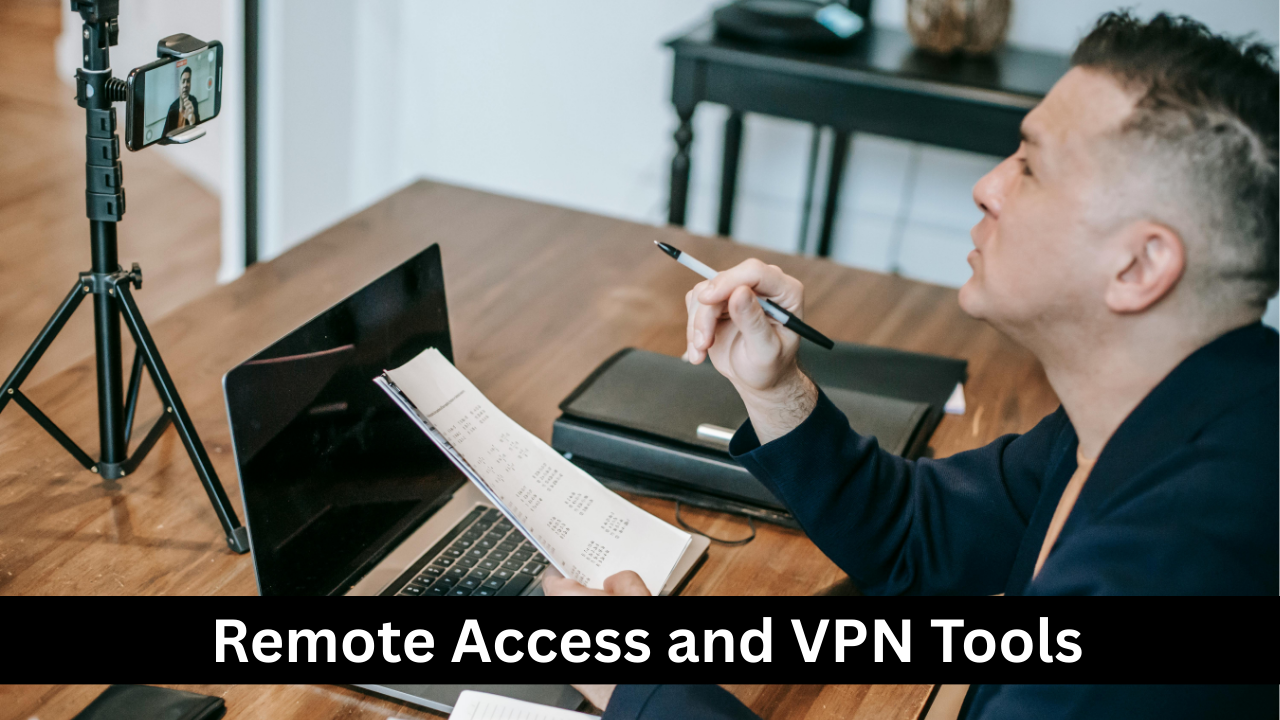
Remote access and VPN tools provide secure connectivity for teams working from various locations. Platforms like NordVPN Teams, ExpressVPN, and TeamViewer allow employees to access company systems, files, and applications safely over the internet. VPNs encrypt data transmissions, protecting sensitive information from cyber threats, while remote access tools enable IT support and system control without physical presence. These solutions are essential for teams handling confidential data or operating in regulated industries. By ensuring secure and reliable access, remote access and VPN tools allow teams to work flexibly, maintain productivity, and collaborate effectively from anywhere in the world.

Analytics and Reporting Tools for Remote Teams
Analytics and reporting tools help remote teams make data-driven decisions and track performance. Platforms like Google Analytics, Power BI, and Tableau provide insights into business metrics, project progress, and team productivity. These tools allow the creation of dashboards, visualizations, and automated reports, enabling managers to monitor KPIs and identify trends. For remote teams, real-time reporting ensures transparency and accountability. Integration with other cloud platforms centralizes data and eliminates manual reporting errors. By leveraging analytics, remote teams can optimize workflows, improve decision-making, and achieve strategic objectives more efficiently.

Best Practices for Using Cloud Tools Effectively
Using cloud tools effectively requires strategic planning and team alignment. Best practices include selecting tools that integrate well, standardizing workflows, and providing adequate training to all team members. Teams should regularly review tool usage to avoid duplication or underutilization. Security protocols, proper permissions, and regular backups are essential to protect data. Encouraging a culture of transparency and communication ensures tools are used consistently and collaboratively. Documenting processes, sharing tips, and assigning tool champions can enhance adoption. Following these practices maximizes the benefits of cloud tools, improves productivity, and ensures remote teams work efficiently without disruptions.
Future Trends in Cloud Tools for Remote Work
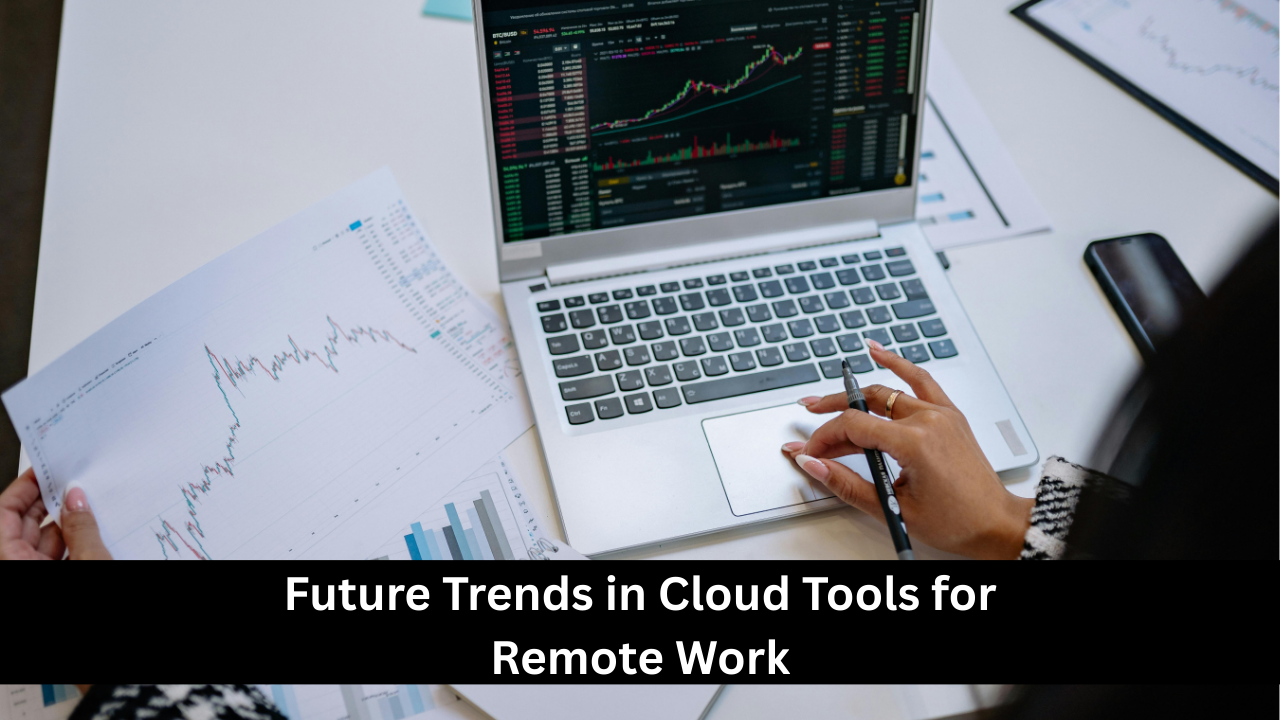
The future of cloud tools for remote work is evolving rapidly with AI, automation, and immersive technologies. AI-powered collaboration tools will offer predictive analytics, automated workflows, and intelligent recommendations. Augmented reality (AR) and virtual reality (VR) tools may enhance virtual meetings, brainstorming sessions, and training. Cloud platforms will increasingly focus on interoperability, security, and user-friendly interfaces. The integration of voice commands, smart assistants, and advanced analytics will make remote work more seamless. Organizations adopting these trends early will gain competitive advantages, improve efficiency, and create flexible, engaging environments for distributed teams worldwide.