Table of Contents
- Introduction to Cybersecurity Tools
- Antivirus and Anti-Malware Software
- Firewalls (Hardware & Software)
- Virtual Private Networks (VPNs)
- Password Managers
- Two-Factor Authentication (2FA) Tools
- Endpoint Detection and Response (EDR) Tools
- Intrusion Detection and Prevention Systems (IDPS)
- Security Information and Event Management (SIEM) Tools
- Encryption Tools (Data at Rest & in Transit)
- Network Monitoring Tools
- Vulnerability Scanners
- Penetration Testing Tools
- Patch Management Tools
- Web Application Security Tools
- Cloud Security Tools
- Backup and Recovery Solutions
- Identity and Access Management (IAM) Tools
- Threat Intelligence Platforms
- Cybersecurity Awareness and Training Tools

Introduction to Cybersecurity Tools
Cybersecurity tools are essential for protecting digital assets, sensitive data, and network infrastructures from cyber threats. With the rapid growth of technology, both individuals and organizations face an increasing number of cyberattacks, including malware, ransomware, phishing, and data breaches. Cybersecurity tools help detect, prevent, and respond to these threats effectively. They are designed to secure devices, networks, applications, and online communications. Using the right tools ensures not only the confidentiality, integrity, and availability of data but also compliance with industry regulations. Regular updates and proper configuration of these tools are crucial for maintaining optimal security.
Antivirus and Anti-Malware Software
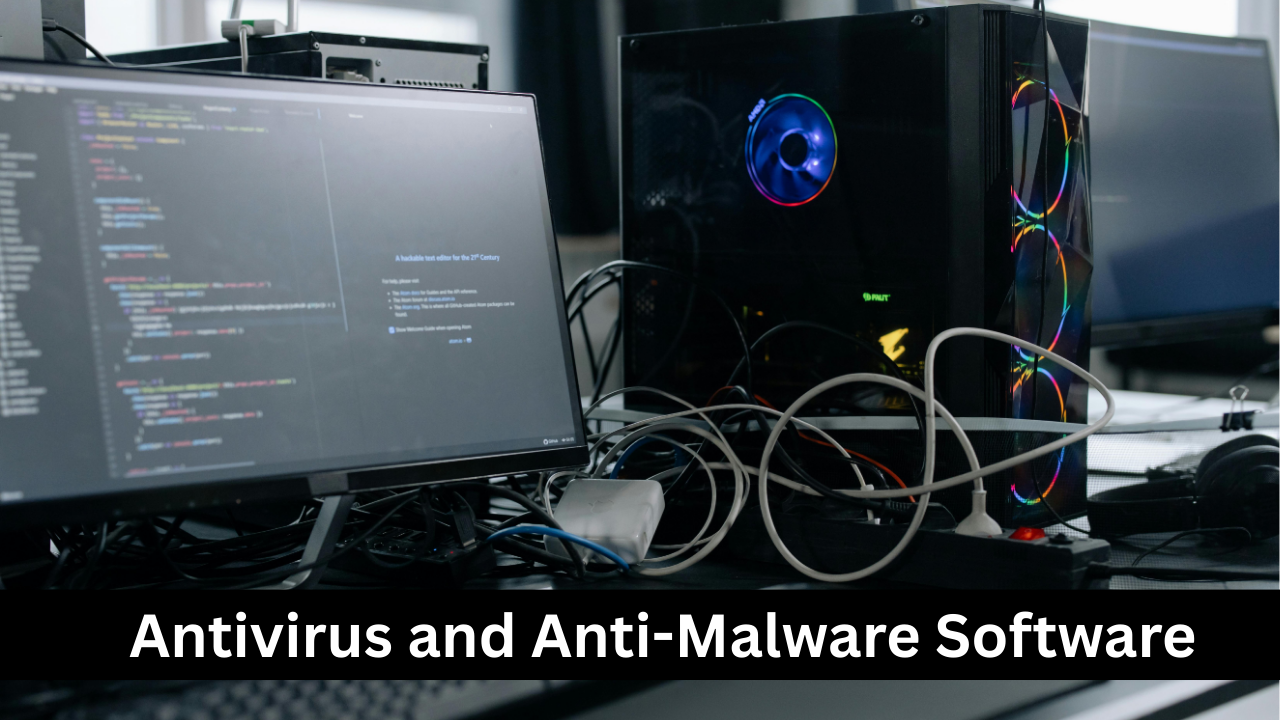
Antivirus and anti-malware software are foundational tools in cybersecurity, designed to detect, block, and remove malicious programs from computers and networks. They protect against viruses, trojans, worms, spyware, ransomware, and other forms of malware. Modern antivirus programs use advanced techniques, including heuristic analysis, real-time scanning, and machine learning, to identify both known and unknown threats. They also provide scheduled scans, automatic updates, and quarantine features for infected files. For businesses and individuals, keeping antivirus software updated is essential, as cybercriminals continuously develop new threats. Combining antivirus with other security measures ensures a layered and more robust defense.

Firewalls (Hardware & Software)
Firewalls act as a barrier between trusted internal networks and untrusted external networks, such as the internet. They monitor incoming and outgoing traffic and enforce security rules to block malicious access attempts. There are hardware firewalls, often used in enterprise environments to protect entire networks, and software firewalls, which are installed on individual devices. Firewalls can filter traffic based on IP addresses, ports, protocols, and applications. Advanced firewalls, known as next-generation firewalls, also offer intrusion prevention, deep packet inspection, and application-level controls. Properly configured firewalls reduce the risk of cyberattacks, prevent unauthorized access, and help maintain network integrity.

Virtual Private Networks (VPNs)
VPNs are essential for ensuring secure and private online communication by encrypting internet traffic and masking users’ IP addresses. They are particularly important for remote work, public Wi-Fi usage, and accessing geo-restricted content safely. VPNs create a secure tunnel between a device and a server, preventing hackers from intercepting sensitive data such as passwords, financial information, and personal communications. Businesses often use VPNs to enable employees to securely connect to corporate networks from anywhere. Selecting a reliable VPN provider with strong encryption protocols, no-log policies, and high-speed servers is critical for achieving maximum security and privacy.

Password Managers
Password managers are tools designed to create, store, and manage complex passwords securely. With the increasing number of online accounts, remembering strong, unique passwords for each service can be challenging. Password managers generate strong passwords, store them in an encrypted vault, and autofill login credentials, reducing the risk of using weak or reused passwords. Many also provide features like password auditing, two-factor authentication integration, and secure sharing. By relying on a password manager, users can significantly improve their security posture, reduce the risk of credential theft, and simplify the management of multiple accounts across personal and professional platforms.

Two-Factor Authentication (2FA) Tools
Two-Factor Authentication (2FA) adds an additional layer of security beyond passwords by requiring a second verification method, such as a code sent to a mobile device, a biometric scan, or an authenticator app. Even if a password is compromised, 2FA prevents unauthorized access to accounts and sensitive systems. Many online services, including email, banking, and social media platforms, support 2FA. Popular 2FA tools include Google Authenticator, Authy, and hardware security keys. Implementing 2FA is a simple but highly effective step toward protecting against phishing attacks, account takeovers, and other forms of credential-based cyber threats.
Endpoint Detection and Response (EDR) Tools
Endpoint Detection and Response (EDR) tools monitor devices such as laptops, desktops, and mobile devices for suspicious activity and potential threats. Unlike traditional antivirus software, EDR provides continuous monitoring, advanced threat detection, and automated response capabilities. These tools use behavioral analysis, machine learning, and threat intelligence to identify anomalies that indicate malware infections, ransomware attacks, or unauthorized access. EDR solutions can isolate compromised endpoints, provide detailed forensic data, and help IT teams respond quickly to security incidents. They are particularly important for organizations with multiple remote or mobile devices, ensuring comprehensive protection across the network.
Intrusion Detection and Prevention Systems (IDPS)
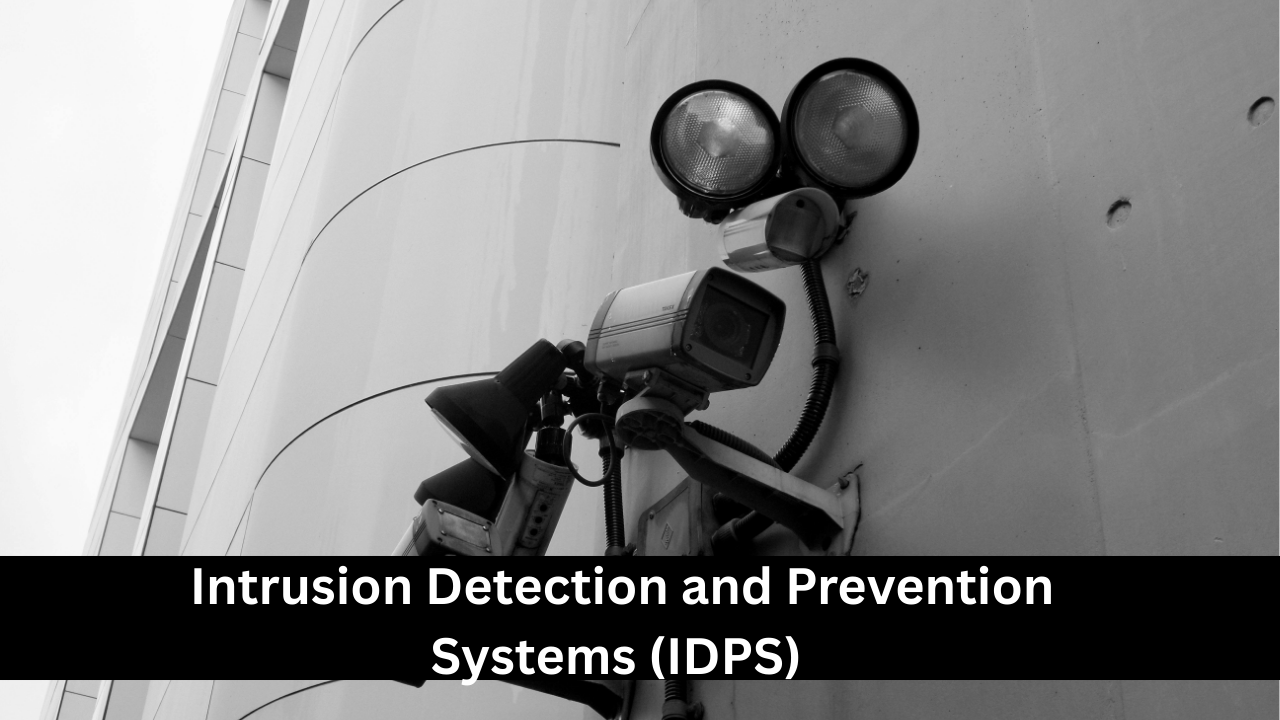
Intrusion Detection and Prevention Systems (IDPS) are designed to detect and respond to network and system attacks in real time. Intrusion Detection Systems (IDS) monitor traffic and generate alerts for suspicious activity, while Intrusion Prevention Systems (IPS) actively block potential threats before they can cause damage. IDPS solutions analyze network packets, detect anomalies, and leverage signature-based and behavior-based detection methods. They help prevent unauthorized access, data breaches, malware propagation, and denial-of-service attacks. IDPS is crucial for organizations with complex network architectures, providing visibility into security threats and automating responses to minimize the impact of cyberattacks.

Security Information and Event Management (SIEM) Tools
Security Information and Event Management (SIEM) tools collect, analyze, and correlate security data from various sources to provide real-time threat detection and incident response. SIEM platforms aggregate logs from firewalls, servers, applications, and network devices, enabling security teams to identify patterns and anomalies that indicate potential cyber threats. Advanced SIEM solutions use artificial intelligence and machine learning to prioritize alerts and reduce false positives. These tools are essential for compliance reporting, forensic investigations, and proactive threat management. SIEM ensures that organizations have comprehensive visibility into their security posture and can respond swiftly to emerging threats.
Encryption Tools (Data at Rest & in Transit)
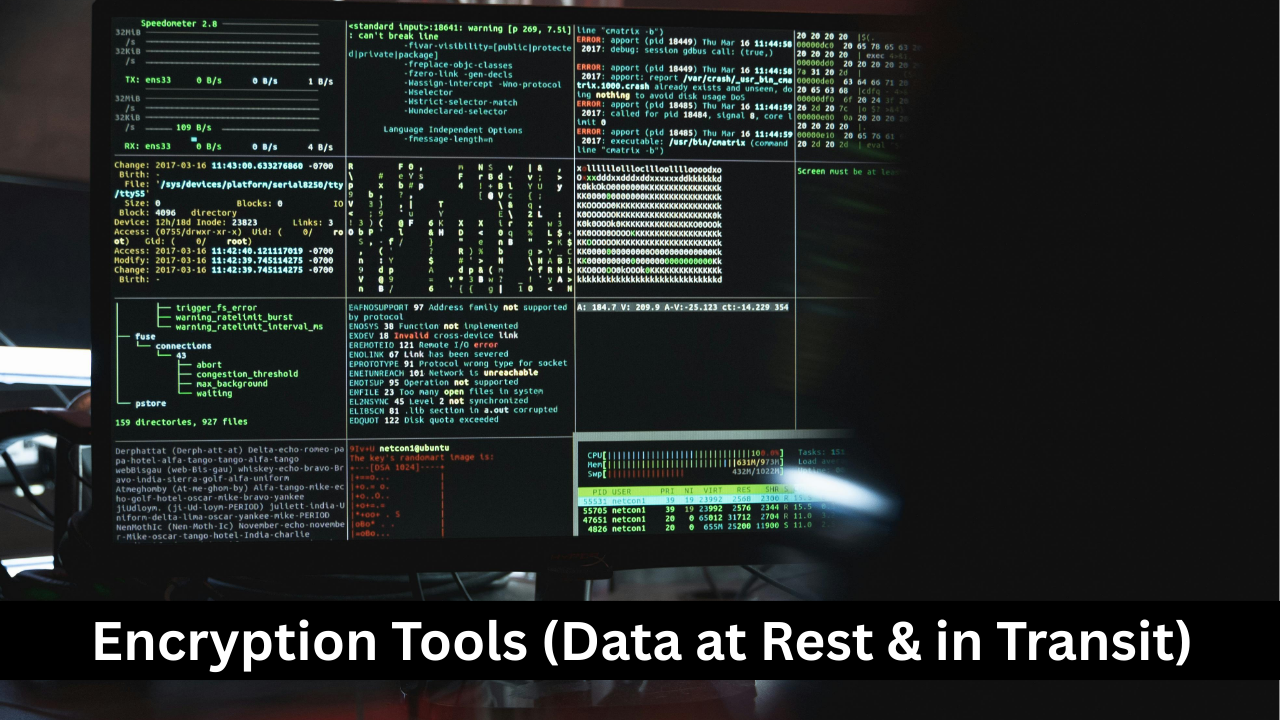
Encryption tools secure sensitive data by converting it into unreadable formats, ensuring that only authorized parties can access it. Data at rest, such as files stored on hard drives, and data in transit, such as emails or network traffic, can both be protected using encryption. Strong encryption algorithms like AES-256 and RSA prevent cybercriminals from reading or tampering with data even if they intercept it. Many organizations use encryption for regulatory compliance, secure communication, and protecting intellectual property. Proper key management, combined with encryption, ensures data integrity, confidentiality, and resilience against unauthorized access or cyberattacks.

Network Monitoring Tools
Network monitoring tools help organizations continuously observe network performance, availability, and security. They track devices, traffic patterns, bandwidth usage, and system uptime to ensure networks operate efficiently. Beyond performance monitoring, these tools detect unusual activity that may indicate cyber threats, such as DDoS attacks, unauthorized access, or malware propagation. Popular features include alert notifications, traffic analysis, visualization dashboards, and reporting for network health. By identifying issues early, network monitoring tools minimize downtime, prevent potential security breaches, and optimize network resources. They are indispensable for IT teams aiming to maintain reliable, secure, and high-performing network infrastructures.

Vulnerability Scanners
Vulnerability scanners are specialized tools that identify security weaknesses in systems, networks, and applications before attackers can exploit them. They detect unpatched software, misconfigurations, weak passwords, open ports, and other potential risks. Automated scans can be scheduled regularly to maintain continuous security hygiene. Advanced scanners provide detailed reports and remediation recommendations, helping IT teams prioritize critical vulnerabilities. Vulnerability scanners play a vital role in proactive cybersecurity strategies, compliance audits, and risk management frameworks. Using them alongside patch management ensures that identified vulnerabilities are resolved promptly, reducing the likelihood of successful cyberattacks.

Penetration Testing Tools
Penetration testing tools simulate cyberattacks to evaluate the strength of systems, networks, and applications. These tools help identify exploitable weaknesses before malicious hackers can exploit them. Common penetration testing methods include network penetration, web application testing, social engineering, and wireless security testing. Tools like Metasploit, Burp Suite, and Nmap automate and streamline these tests. Penetration testing is crucial for organizations seeking to enhance security defenses, meet regulatory compliance requirements, and validate existing cybersecurity measures. Regular penetration testing ensures that both known and emerging threats are assessed, enabling teams to strengthen vulnerabilities proactively.

Patch Management Tools
Patch management tools automate the process of applying software updates and security patches across devices, servers, and applications. Unpatched systems are prime targets for cyberattacks, as vulnerabilities are easily exploited by malware or hackers. Patch management solutions scan for outdated software, deploy updates efficiently, and generate compliance reports. They reduce operational risks, improve system stability, and ensure that cybersecurity measures remain effective against evolving threats. Organizations benefit from patch management tools by minimizing downtime, avoiding costly security breaches, and maintaining regulatory compliance, especially in highly regulated industries like finance, healthcare, and government sectors.

Web Application Security Tools
Web application security tools protect websites, web apps, and APIs from cyber threats such as SQL injection, cross-site scripting (XSS), and broken authentication. They perform vulnerability scanning, penetration testing, and continuous monitoring to detect security flaws. Some advanced tools provide real-time protection through web application firewalls (WAFs) and automated threat mitigation. Protecting web applications is crucial because they often serve as gateways for attackers to access sensitive data or corporate networks. Implementing these tools helps developers maintain secure coding practices, safeguard user data, and prevent reputational and financial damage from cyberattacks.
Cloud Security Tools
Cloud security tools safeguard data, applications, and workloads hosted in cloud environments. With increasing reliance on cloud computing, organizations face risks such as unauthorized access, misconfigured storage, and data leaks. Cloud security solutions offer features like identity and access management (IAM), encryption, threat detection, activity monitoring, and compliance management. They help organizations maintain control over sensitive information while ensuring secure collaboration and scalability. By integrating cloud security tools, businesses can mitigate risks, prevent breaches, and maintain the confidentiality, integrity, and availability of cloud-hosted resources across public, private, and hybrid cloud infrastructures.

Backup and Recovery Solutions
Backup and recovery solutions ensure that critical data remains protected and can be restored in case of hardware failure, accidental deletion, or cyberattacks like ransomware. These tools create automated copies of files, databases, and system configurations, storing them locally, offsite, or in the cloud. Advanced solutions offer versioning, incremental backups, and rapid recovery options to minimize downtime and data loss. Regular testing of backups ensures reliability during disasters. Implementing backup and recovery strategies is essential for business continuity, regulatory compliance, and resilience against cyber threats, providing peace of mind that important information is never permanently lost.

Identity and Access Management (IAM) Tools
Identity and Access Management (IAM) tools help organizations control who can access systems, applications, and data. They enforce authentication, authorization, and access policies, ensuring that only authorized users can perform specific actions. IAM solutions often integrate single sign-on (SSO), multi-factor authentication (MFA), and user provisioning/de-provisioning. They provide visibility into user activity, reduce the risk of insider threats, and simplify compliance with regulations like GDPR or HIPAA. By managing identities and access rights effectively, IAM tools strengthen cybersecurity defenses, streamline user management, and prevent unauthorized access to critical digital resources.
Threat Intelligence Platforms
Threat intelligence platforms (TIPs) collect, analyze, and share information about emerging cyber threats, vulnerabilities, and attack patterns. They provide actionable insights that help organizations proactively defend against malware, phishing campaigns, ransomware, and other attacks. TIPs aggregate data from multiple sources, including open-source feeds, commercial vendors, and internal incident logs, offering threat scoring and prioritization. Integrating threat intelligence into security operations enhances incident response, vulnerability management, and strategic planning. Organizations that leverage TIPs can anticipate attacks, reduce response times, and improve overall cybersecurity resilience against evolving threat landscapes.
Cybersecurity Awareness and Training Tools
Cybersecurity awareness and training tools educate employees about cyber threats, best practices, and organizational security policies. Human error is a major factor in security breaches, making training essential for creating a strong security culture. These tools provide phishing simulations, interactive courses, quizzes, and progress tracking to ensure employees understand risks like social engineering, password misuse, and unsafe online behavior. Regular training improves incident reporting, reduces the likelihood of breaches, and ensures compliance with regulatory requirements. Investing in cybersecurity education empowers staff to act as the first line of defense against cyberattacks.