
Table of Contents
- Introduction: Why the Right Tools Matter
- Domain Name Registration Tools
- Web Hosting Services
- Website Builders (Drag-and-Drop Platforms)
- Content Management Systems (CMS)
- Text Editors and Code Editors
- Version Control Tools (e.g., Git)
- Graphic Design Tools for Web (e.g., Canva, Photoshop)
- Wireframing and Prototyping Tools
- Stock Images and Media Resources
- Website Templates and Themes
- Browser Developer Tools
- SEO Tools for Beginners
- Analytics and Tracking Tools
- Performance and Speed Testing Tools
- Security and SSL Tools
- Email Marketing and Integration Tools
- Social Media Integration Tools
- Collaboration and Project Management Tools
- Conclusion: Putting It All Together

Introduction: Why the Right Tools Matter
Creating your first website can feel overwhelming without the proper tools. Using the right software and platforms simplifies the process, reduces errors, and saves valuable time. The tools you choose will influence not only the website’s design but also its functionality, speed, and security. Beginners often struggle because they try to do everything manually, but modern web tools allow you to focus on creativity while handling technical aspects in the background. Understanding the purpose of each tool—from domain registration to analytics—helps you make informed choices that suit your goals, whether you’re building a personal blog, portfolio, or small business site. By equipping yourself with the right set of tools from the start, you create a strong foundation for a professional, efficient, and scalable website.
Domain Name Registration Tools
A domain name is your website’s address on the internet. Choosing the right domain is crucial because it represents your brand, affects SEO, and impacts user trust. Domain registration tools like Namecheap, GoDaddy, or Google Domains allow you to check availability, purchase, and manage domains efficiently. These tools often provide additional features like privacy protection, automatic renewals, and DNS management. Beginners should prioritize simplicity, affordability, and reliability when selecting a domain registration service. A good domain is short, easy to remember, and relevant to your niche. These tools also offer suggestions if your preferred domain is taken, helping you quickly find an alternative without losing creativity.
Web Hosting Services
Web hosting services store your website’s files and make them accessible online. Without hosting, your website cannot be viewed by visitors. Popular hosting services include Bluehost, SiteGround, and HostGator, each offering different plans based on traffic, storage, and technical support. Beginners should look for hosting that is reliable, fast, and user-friendly. Shared hosting is often sufficient for new websites, while VPS or dedicated servers may be needed for larger sites. Many hosting providers also offer one-click installation for popular CMS platforms like WordPress, simplifying setup. Security features, uptime guarantees, and customer support are critical factors to ensure your website runs smoothly at all times.
Website Builders (Drag-and-Drop Platforms)
Website builders are beginner-friendly tools that allow you to design and build websites without coding. Platforms like Wix, Squarespace, and Weebly offer drag-and-drop interfaces, pre-built templates, and integrated hosting. These tools are ideal for users who want a visually appealing site quickly. They also include features like SEO optimization, mobile responsiveness, and e-commerce integration. While they may limit advanced customization, website builders significantly reduce the learning curve for first-time creators. With a drag-and-drop interface, you can experiment with layout, colors, and fonts in real-time, instantly seeing how changes affect the design. They are particularly helpful for portfolios, blogs, and small business sites.

Content Management Systems (CMS)
A Content Management System (CMS) is software that helps you manage digital content without manual coding. WordPress, Joomla, and Drupal are popular CMS options. WordPress, in particular, powers over 40% of websites worldwide due to its flexibility, vast plugin ecosystem, and ease of use. CMS tools allow you to create, edit, and organize content efficiently, manage users, and integrate various features like e-commerce or forums. For beginners, a CMS provides a balance between customization and simplicity, offering themes and plugins that extend functionality. Understanding how a CMS works helps you maintain your site, update content regularly, and scale your website as your audience grows.
Text Editors and Code Editors
Even if you use a CMS or website builder, knowing the basics of coding can be valuable. Text editors like Notepad++ or Sublime Text, and code editors like VS Code, allow you to write HTML, CSS, and JavaScript efficiently. These tools often include syntax highlighting, auto-completion, and debugging features to make coding easier. For beginners, learning to use a code editor helps you understand website structure, tweak designs, and troubleshoot problems. Advanced users benefit from productivity features like version control integration and code formatting. Even a basic understanding of these tools can significantly enhance your ability to customize templates or fix minor issues on your site.
Version Control Tools
Version control tools like Git help track changes to your website’s code over time. They allow multiple developers to collaborate without overwriting each other’s work, making them essential for larger projects. GitHub and GitLab are popular platforms that store repositories online, enabling access from anywhere. Beginners benefit from learning basic version control because it prevents accidental loss of work and provides a historical record of changes. You can experiment with new features, then revert to previous versions if something goes wrong. Understanding version control also lays the foundation for teamwork and professional web development practices, even if you are starting with a simple personal website.
Graphic Design Tools for Web
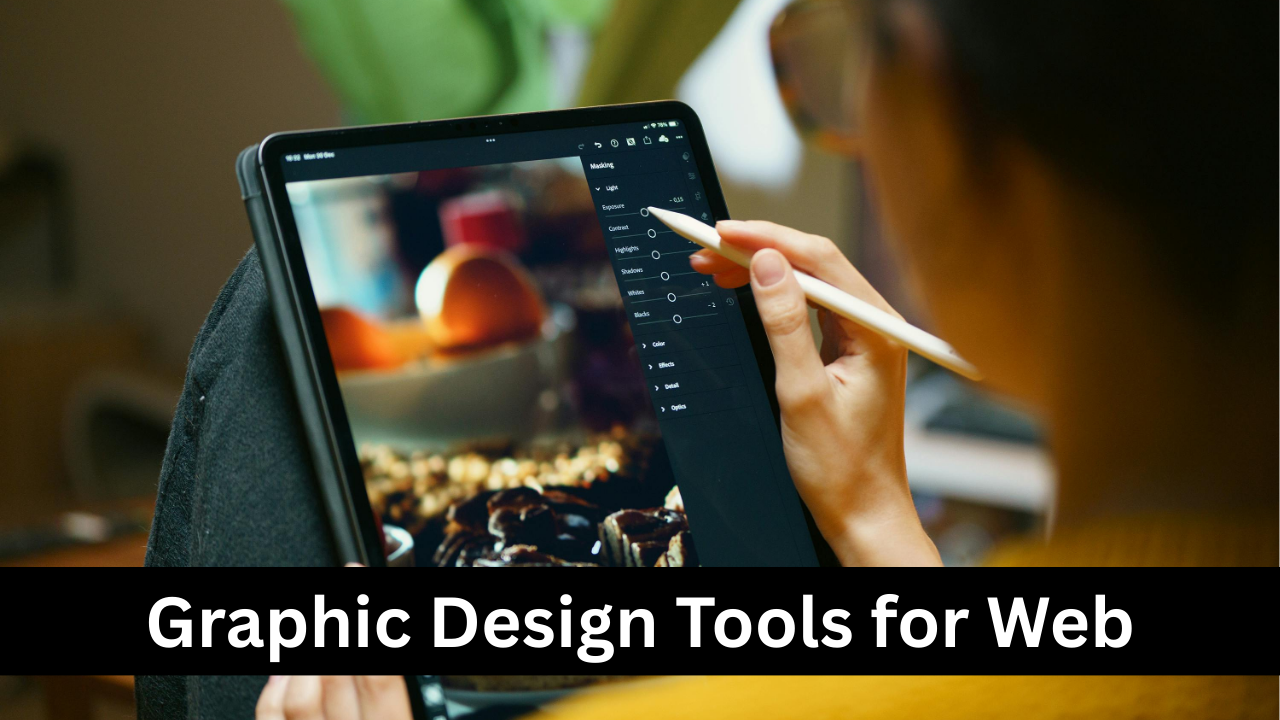
Visual appeal is crucial for a website’s success. Graphic design tools like Canva, Photoshop, and Figma help create images, banners, icons, and other visual elements. Canva is beginner-friendly and offers templates, while Photoshop provides advanced editing for professionals. Using these tools ensures that your visuals are consistent, high-quality, and optimized for web performance. Good design can increase engagement, convey brand identity, and improve user experience. Beginners can start with free tools like Canva and gradually move to professional software. Graphics created with these tools can also be reused across social media, marketing campaigns, and other digital platforms, saving time and maintaining brand consistency.
Wireframing and Prototyping Tools
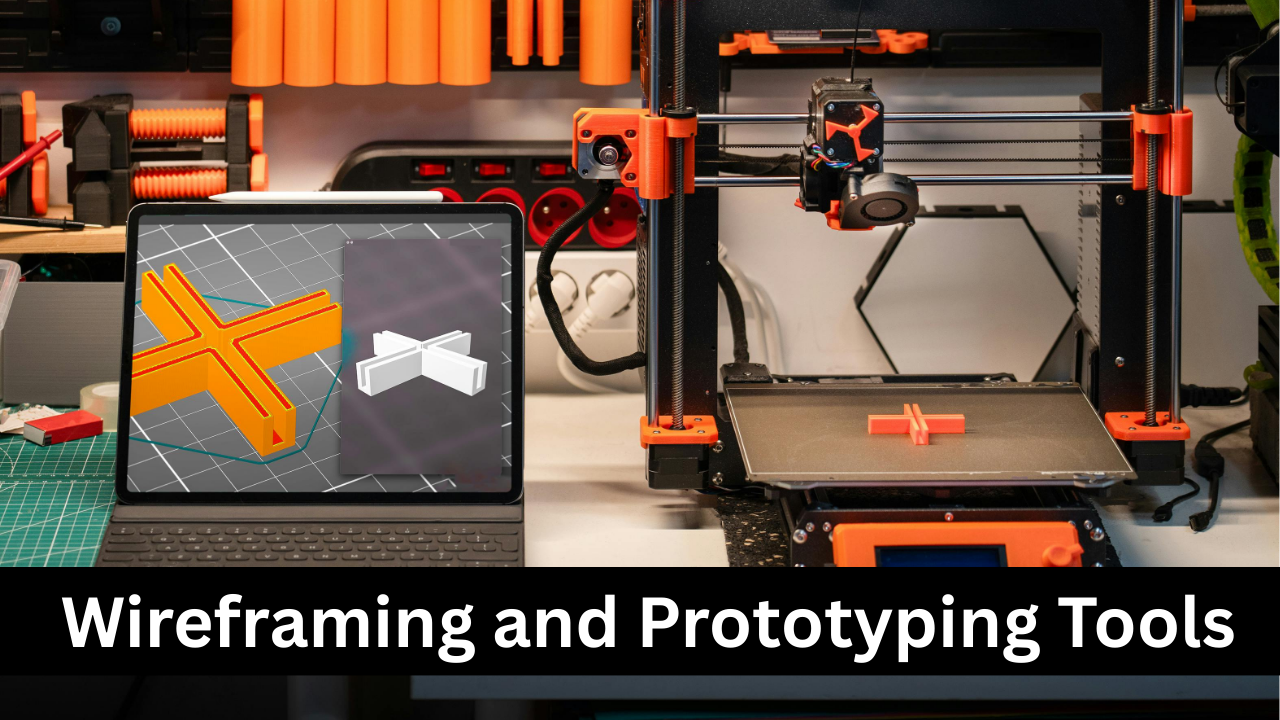
Wireframing tools help plan the layout and functionality of your website before actual development. Tools like Figma, Sketch, and Balsamiq allow you to create visual blueprints of pages, user flows, and interactions. Prototyping tools take it further by simulating how a website will work in reality, including clickable buttons and navigation. These tools prevent design mistakes, improve communication with clients or team members, and save development time. Beginners benefit from visualizing the structure first, ensuring a logical flow of information and user-friendly experience. A good wireframe acts as a roadmap, making the subsequent stages of website creation faster, clearer, and more organized.

Stock Images and Media Resources
High-quality images, videos, and icons are essential for a professional-looking website. Stock media resources like Unsplash, Pexels, and Pixabay provide royalty-free content suitable for websites. Using stock images saves time compared to creating custom visuals and ensures your website looks polished. Properly optimized images improve page speed and user experience. Beginners should focus on selecting visuals that align with their brand identity and website message. Additionally, audio files and icons can enhance interactivity and engagement. It’s important to check licensing terms to avoid copyright issues. Combining stock media with your own content can create a unique, visually appealing website that attracts and retains visitors.
Website Templates and Themes
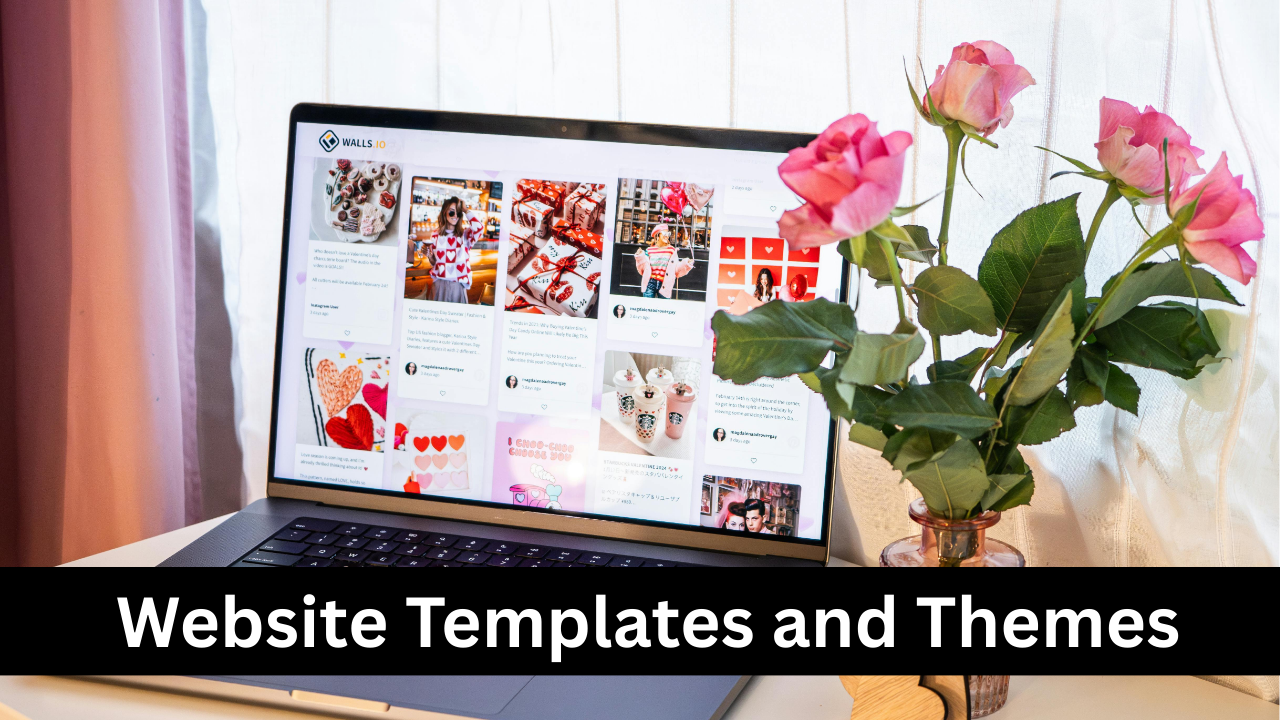
Website templates and themes provide pre-designed layouts and styles, allowing beginners to create a professional-looking site quickly. Platforms like WordPress, Wix, and Squarespace offer thousands of templates tailored to blogs, portfolios, e-commerce stores, and corporate websites. Using templates saves time and ensures design consistency across pages. Themes often include customizable headers, footers, color schemes, and typography settings. Beginners can focus on content and branding while relying on templates for structure. It’s important to choose templates that are mobile-friendly, fast-loading, and compatible with essential plugins or features. Templates serve as a starting point, which can be adjusted as your website grows or your design preferences evolve.
Browser Developer Tools
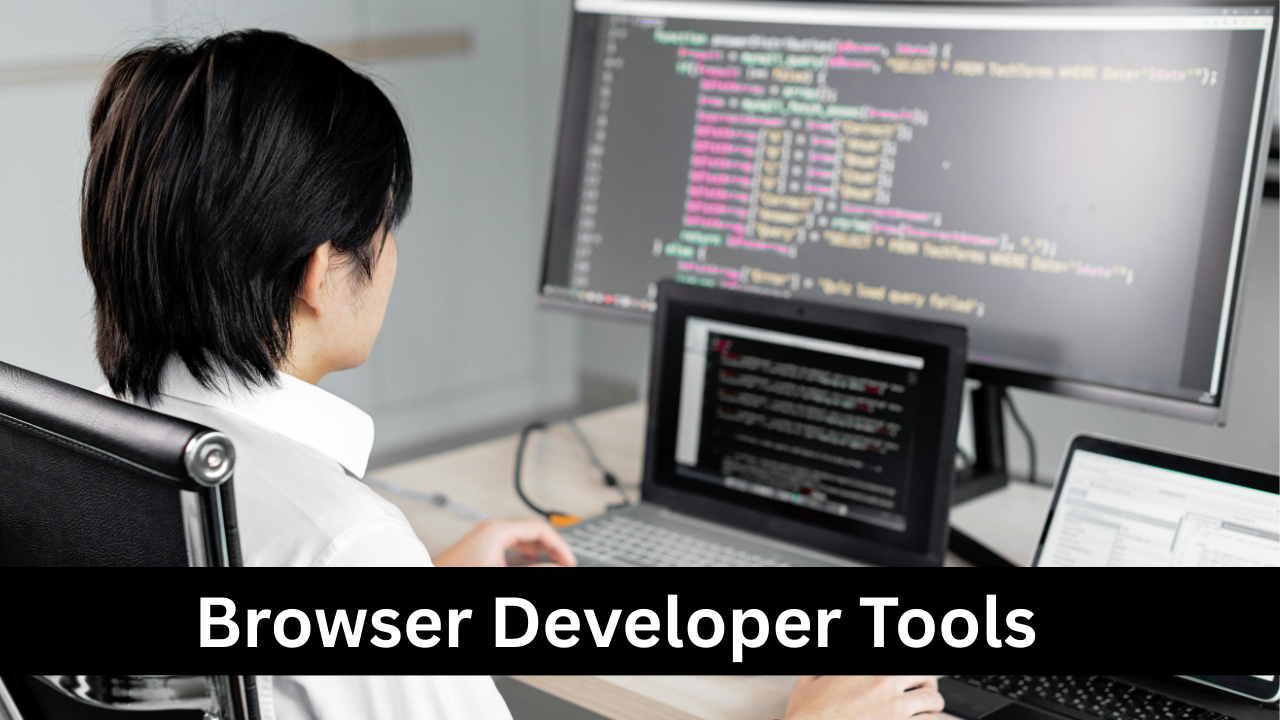
Browser developer tools are built into modern web browsers like Chrome, Firefox, and Edge. They allow you to inspect and edit HTML, CSS, and JavaScript directly on your website. These tools are essential for debugging issues, testing responsive design, and analyzing page performance. Beginners can learn how elements are structured, see real-time changes, and identify problems such as broken links or slow-loading scripts. Features like the console, network panel, and performance monitors provide insights into how a website functions. Understanding these tools empowers beginners to troubleshoot small issues independently, optimize their site for speed, and gain confidence in basic web development skills.
SEO Tools for Beginners
Search Engine Optimization (SEO) tools help your website rank higher on search engines like Google. Tools such as Yoast SEO, SEMrush, and Ahrefs provide insights into keywords, content structure, and technical issues. SEO ensures that your website reaches the right audience, increases organic traffic, and improves online visibility. Beginners can use these tools to optimize titles, meta descriptions, headings, and URLs. Some tools also analyze competitors’ websites to identify opportunities. Learning SEO fundamentals early on is essential because a well-optimized website attracts more visitors, increases engagement, and supports long-term growth without relying solely on paid advertising.
Analytics and Tracking Tools
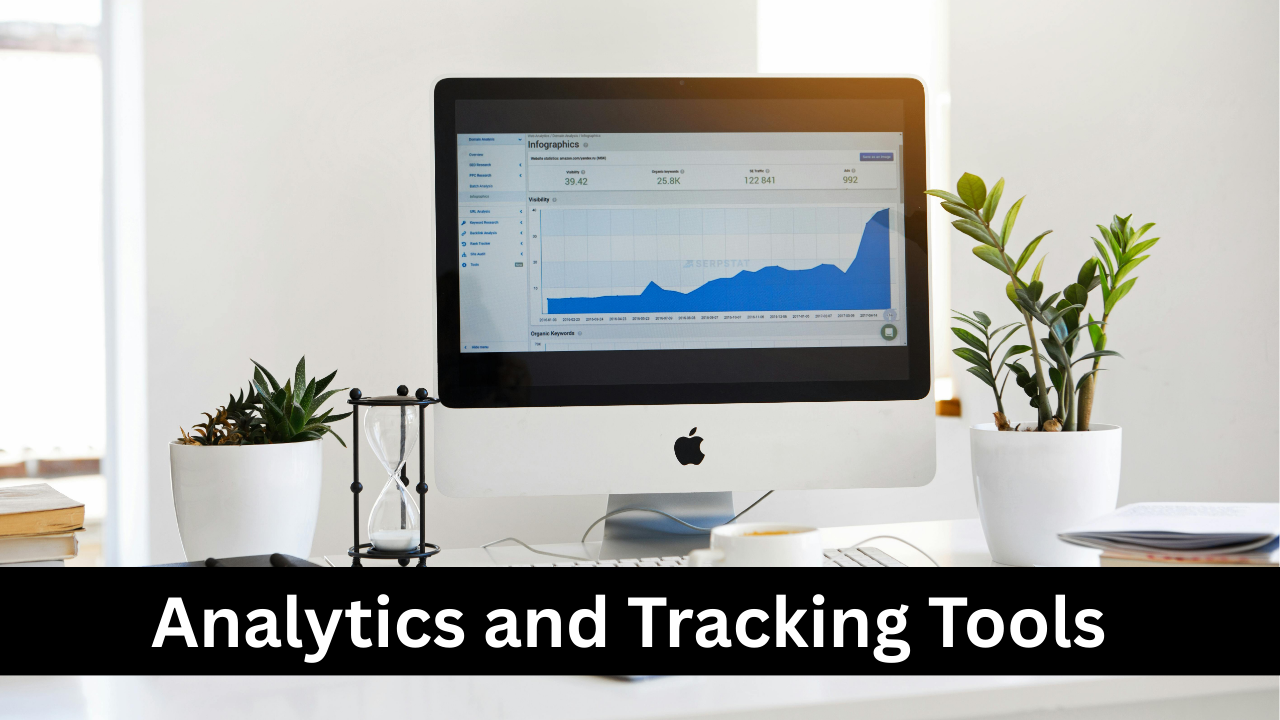
Analytics tools track website performance, user behavior, and traffic sources. Google Analytics and Microsoft Clarity are popular options for beginners. These tools provide insights into page views, session duration, bounce rates, and conversion metrics. Understanding analytics allows website owners to identify popular content, optimize underperforming pages, and make data-driven decisions. For beginners, integrating tracking tools early helps monitor the website’s growth over time. Analytics also assists in testing marketing strategies, improving user experience, and refining content to better meet audience needs. Without tracking, it’s difficult to measure success or identify areas for improvement.

Performance and Speed Testing Tools
Website speed significantly affects user experience and SEO rankings. Tools like GTmetrix, Pingdom, and Google PageSpeed Insights analyze website performance, including load time, responsiveness, and resource optimization. Beginners can identify slow-loading images, unoptimized scripts, or heavy plugins that affect performance. Improving site speed reduces bounce rates, increases engagement, and enhances SEO. Many hosting providers offer caching or content delivery network (CDN) solutions, but testing tools help confirm effectiveness. Regularly monitoring performance ensures that your website remains fast and efficient as it grows. Understanding these tools helps beginners prioritize technical optimizations without requiring advanced coding knowledge.
Security and SSL Tools
Website security protects both your content and your visitors’ data. SSL certificates encrypt data transmission, giving your site a secure HTTPS connection. Tools like Cloudflare, Sucuri, and Wordfence provide protection against malware, hacking attempts, and spam. Beginners often overlook security, but even small websites are vulnerable. Security tools monitor threats, implement firewalls, and enable automated backups. Regular updates of plugins, themes, and CMS are also essential for safety. A secure website builds trust with users, improves SEO, and prevents costly data breaches. Understanding these tools early ensures that your website remains safe and reliable as it grows.
Email Marketing and Integration Tools
Email marketing tools help you connect with your audience and drive engagement. Platforms like Mailchimp, ConvertKit, and Sendinblue allow beginners to collect subscriber lists, design campaigns, and automate messages. Integrating email tools with your website enables newsletter sign-ups, promotional offers, and transactional notifications. Email marketing is cost-effective and provides a direct channel to maintain customer relationships. Beginners can start with simple campaigns, gradually implementing segmentation, personalization, and analytics to optimize results. Well-integrated email marketing tools help grow your audience, increase website traffic, and improve conversion rates while maintaining a professional communication system.

Social Media Integration Tools
Social media integration allows your website to connect with platforms like Facebook, Instagram, LinkedIn, and Twitter. Tools such as AddThis, Social Snap, or native CMS plugins make it easy to add share buttons, feeds, and login options. Integration increases engagement, extends your reach, and drives traffic from social channels to your website. Beginners benefit from social tools by automating sharing, tracking performance, and maintaining consistency across platforms. Embedding social proof, like reviews or user-generated content, can enhance credibility. Understanding these tools early ensures that your website can leverage social media effectively for growth and audience interaction.

Collaboration and Project Management Tools
Building a website often requires teamwork, even for small projects. Collaboration tools like Trello, Asana, Slack, and Notion help organize tasks, communicate with team members, and manage timelines. These tools allow beginners to plan content, track development stages, and coordinate with designers, developers, or clients efficiently. Project management tools also enable documentation, feedback collection, and progress monitoring. Even solo creators benefit by structuring tasks, setting deadlines, and maintaining workflow. Learning to use these tools early improves productivity, reduces errors, and ensures smooth website creation from planning to launch.

Conclusion: Putting It All Together
Successfully creating your first website requires combining the right tools strategically. Each tool—from domain registration and hosting to analytics and design—plays a critical role in making your website functional, attractive, and secure. Beginners should start small, focus on essential tools first, and gradually explore advanced options as their skills grow. Planning, organization, and regular testing ensure a professional website that meets goals. By mastering these tools, you not only create a visually appealing and functional website but also gain valuable skills in web development, design, marketing, and project management that will benefit future projects and online growth.