
Table of Contents
- Introduction to Email Marketing
- Importance of Email Marketing for Beginners
- Key Features to Look for in Email Marketing Tools
- Ease of Use: Why It Matters for New Users
- Cost Considerations for Beginners
- Free vs Paid Email Marketing Tools
- Mailchimp Overview and Features
- Constant Contact Overview and Features
- Sendinblue Overview and Features
- ConvertKit Overview and Features
- AWeber Overview and Features
- GetResponse Overview and Features
- Benchmark Email Overview and Features
- ActiveCampaign Overview and Features
- Moosend Overview and Features
- HubSpot Email Marketing Overview
- Best Practices for Creating Email Campaigns
- Tips for Growing Your Email List
- Tracking and Analytics for Beginners
- Conclusion and Recommendations for New Users
Introduction to Email Marketing
Email marketing is one of the most powerful tools for businesses and individuals to communicate directly with their audience. It involves sending promotional messages, newsletters, or updates to a list of subscribers who have opted in to receive communications. Unlike social media or paid ads, email marketing allows you to maintain a personal connection with your audience, build trust, and drive conversions over time. For new users, understanding the basics—such as how to collect email addresses, segment your audience, and craft engaging content—is essential. Getting started with the right tools can make the process much simpler, efficient, and professional, even if you have no prior experience.
Importance of Email Marketing for Beginners
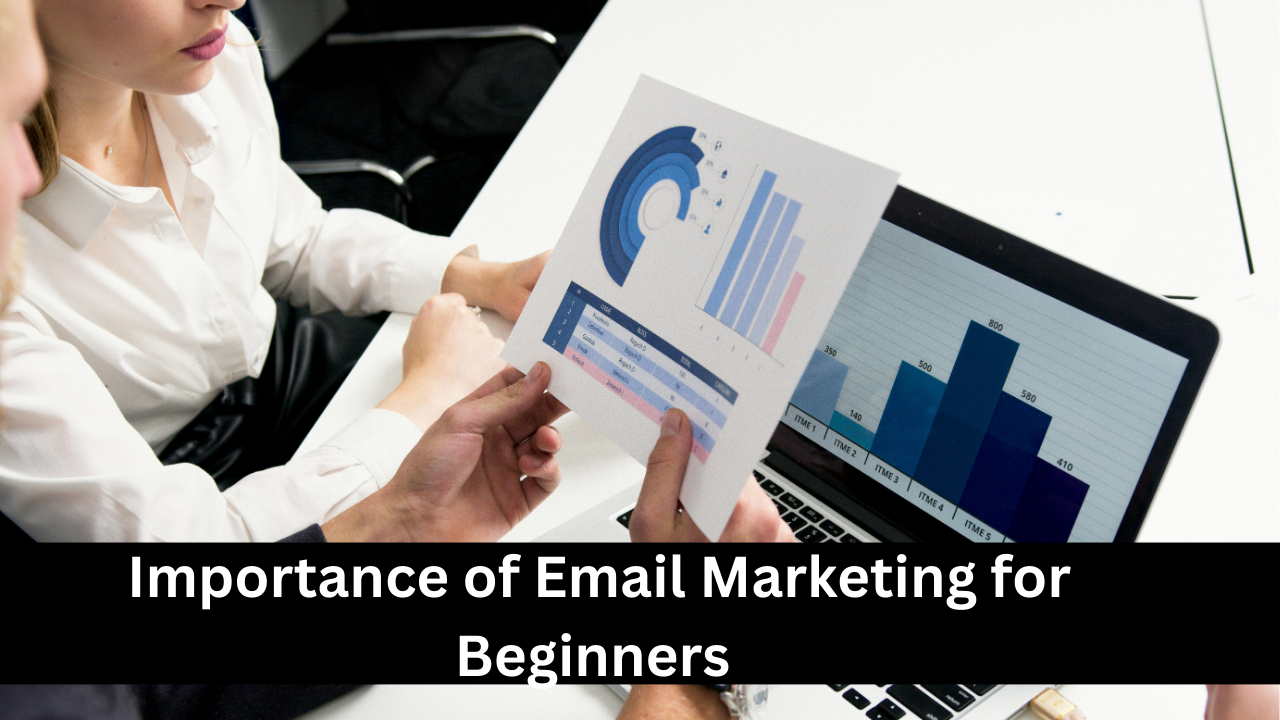
For beginners, email marketing is an essential skill because it’s cost-effective, measurable, and scalable. Unlike traditional advertising methods, emails reach a targeted audience who are already interested in your brand, increasing the likelihood of engagement and conversion. Beginners can quickly learn how to create campaigns, track open and click rates, and understand subscriber behavior. Email marketing also helps build brand credibility and customer loyalty over time. By starting early, beginners can experiment with different content types, templates, and automation, which can provide valuable insights for growing a business or personal brand without heavy investment.
Key Features to Look for in Email Marketing Tools
When choosing an email marketing tool, beginners should focus on features that simplify their workflow. Essential features include an intuitive drag-and-drop email editor, automation workflows, pre-designed templates, contact list management, segmentation, analytics, and A/B testing. Some platforms also offer landing page builders and integration with other apps like CRMs or e-commerce tools. For beginners, the ease of navigation, availability of tutorials, and responsive customer support are just as important as advanced features. Selecting the right tool ensures you can efficiently design, send, and track campaigns without feeling overwhelmed, helping you focus on engaging your audience and growing your email list.

Ease of Use: Why It Matters for New Users
Ease of use is critical for beginners in email marketing because it directly affects productivity and learning curves. A complicated interface can discourage users and delay campaign execution. Beginner-friendly platforms usually offer drag-and-drop editors, guided workflows, and pre-built templates to reduce the need for technical skills. Simplicity also allows new users to experiment with features like automated welcome emails, triggered campaigns, and segmentation without frustration. Platforms that provide tutorials, knowledge bases, and community support are invaluable. Focusing on ease of use enables beginners to quickly see results, learn best practices, and gradually explore advanced features as their confidence and experience grow.

Cost Considerations for Beginners
Cost is a major factor when starting with email marketing. Many beginner-friendly platforms offer free plans with basic features, which are perfect for small lists and simple campaigns. Paid plans usually provide advanced features like automation, detailed analytics, and higher sending limits. Beginners should evaluate their needs, subscriber size, and expected growth before choosing a plan. Hidden costs, such as add-ons or integrations, should also be considered. Starting with an affordable or free plan helps beginners experiment and learn without financial risk. Once your email list grows and your campaigns become more sophisticated, upgrading to a paid plan becomes a practical investment for better results.
Free vs Paid Email Marketing Tools
Choosing between free and paid email marketing tools depends on your goals and list size. Free plans are ideal for beginners with small subscriber lists, offering basic templates, limited automation, and essential analytics. Paid plans, on the other hand, provide advanced features like A/B testing, advanced segmentation, unlimited emails, priority support, and better deliverability rates. While free tools help you learn the basics, paid options offer more scalability for growing businesses. Beginners should start with free tools to get comfortable and then upgrade once they need more sophisticated features. Understanding the differences ensures you invest wisely without paying for features you don’t yet need.

Mailchimp Overview and Features
Mailchimp is one of the most popular email marketing platforms for beginners due to its user-friendly interface and free plan. It offers drag-and-drop email design, pre-built templates, audience segmentation, and basic automation. Beginners can also access analytics to track open rates, click-through rates, and subscriber growth. Mailchimp integrates with e-commerce platforms, CRMs, and social media, making it versatile for multiple purposes. Its free plan allows sending up to 10,000 emails per month to 2,000 subscribers, which is sufficient for most new users. Additionally, Mailchimp provides tutorials, guides, and a supportive community, making it ideal for learning email marketing basics.

Constant Contact Overview and Features
Constant Contact is beginner-friendly and known for its simplicity and reliable customer support. It offers customizable email templates, list management, automated welcome emails, and campaign tracking. The platform also includes marketing calendars and event management features, which can be helpful for small businesses. Beginners benefit from easy-to-use drag-and-drop editors and step-by-step guidance for creating campaigns. Constant Contact also integrates with e-commerce platforms, social media, and CRMs, making it versatile for growing a brand. Though it doesn’t offer a free plan, its trial period allows beginners to explore the platform before committing, ensuring they can evaluate its usefulness without immediate financial commitment.

Sendinblue Overview and Features
Sendinblue is a versatile platform that combines email marketing with SMS campaigns, ideal for beginners who want multi-channel communication. It offers a drag-and-drop editor, automation workflows, segmentation, transactional emails, and analytics. The free plan includes up to 300 emails per day, making it suitable for small campaigns. Beginners appreciate its simplicity, step-by-step setup, and marketing automation options that allow them to schedule welcome emails, follow-ups, and abandoned cart reminders. Sendinblue also integrates with popular apps and e-commerce platforms. Its combination of affordability, ease of use, and professional features makes it an excellent choice for those just starting in email marketing.

ConvertKit Overview and Features
ConvertKit is designed for creators, bloggers, and small business owners, making it beginner-friendly for those focused on content-driven email marketing. It offers automation, customizable opt-in forms, landing pages, and audience tagging for segmentation. Beginners can easily set up welcome sequences, drip campaigns, and broadcast emails without technical expertise. ConvertKit emphasizes simplicity and clarity, helping users avoid the overwhelm common with more complex platforms. Its free plan allows up to 1,000 subscribers and access to basic features, making it ideal for testing and learning. Over time, ConvertKit provides the tools needed to scale campaigns and engage audiences more effectively.

AWeber Overview and Features
AWeber is a long-standing email marketing platform popular among beginners for its simplicity and reliable features. It offers drag-and-drop email editing, pre-designed templates, automation, and detailed reporting to track open rates, clicks, and conversions. Beginners can create automated sequences, segment subscribers, and schedule broadcasts easily. Its free plan allows up to 500 subscribers and 3,000 emails per month, which is sufficient for small campaigns. AWeber also integrates with e-commerce platforms, landing page builders, and social media, allowing users to centralize their marketing efforts. Its extensive knowledge base and responsive customer support make it ideal for those just starting out.

GetResponse Overview and Features
GetResponse is a versatile email marketing tool that caters to beginners and growing businesses alike. It offers drag-and-drop email creation, automation workflows, landing pages, webinars, and A/B testing. Beginners benefit from its intuitive interface, which simplifies list management, campaign creation, and performance tracking. GetResponse also provides advanced segmentation and personalization features, allowing users to target their audience effectively. Its free trial allows beginners to explore the platform’s capabilities before subscribing. With strong automation and analytics, GetResponse helps beginners learn how to craft professional campaigns while gaining insights into subscriber behavior, improving engagement and conversions over time.
Benchmark Email Overview and Features
Benchmark Email is designed for simplicity and accessibility, making it a strong choice for beginners. It provides an intuitive drag-and-drop editor, responsive templates, and basic automation features such as welcome emails and follow-ups. Beginners can create professional campaigns without coding knowledge and track performance using its analytics dashboard. Benchmark Email also supports list segmentation, A/B testing, and integration with popular apps and CRMs. Its free plan allows up to 3,500 emails per month for 500 subscribers, providing plenty of space to experiment and learn. With a focus on usability, Benchmark helps beginners confidently navigate email marketing and build effective campaigns.

ActiveCampaign Overview and Features
ActiveCampaign is a powerful platform that combines email marketing with CRM capabilities, ideal for beginners looking to scale their efforts. It offers advanced automation, segmentation, and personalization options, along with easy-to-use email templates and reporting tools. Beginners can create automated sequences, track subscriber behavior, and integrate with e-commerce platforms or CRMs. Although it may seem complex initially, its user-friendly interface, extensive tutorials, and pre-built automation recipes help newcomers learn quickly. ActiveCampaign also supports A/B testing and detailed analytics, allowing beginners to optimize campaigns. It’s a tool that grows with the user, from simple newsletters to sophisticated marketing automation.

Moosend Overview and Features
Moosend is a beginner-friendly email marketing platform known for its simplicity and affordable pricing. It offers drag-and-drop email design, automation workflows, segmentation, and analytics. Beginners can easily set up welcome sequences, personalized campaigns, and abandoned cart emails without technical expertise. Moosend’s free plan includes unlimited emails for up to 1,000 subscribers, making it a great starting point. It also integrates with popular e-commerce platforms, CRMs, and landing page builders. With clear tutorials, pre-built templates, and a responsive interface, Moosend allows beginners to focus on crafting engaging content, growing their email list, and learning email marketing best practices efficiently.

HubSpot Email Marketing Overview
HubSpot’s email marketing tool is part of its larger CRM platform, making it ideal for beginners who want an all-in-one solution. It offers an easy-to-use drag-and-drop editor, pre-designed templates, and personalization options. Beginners can create automated workflows, segment their audience, and track campaign performance using detailed analytics. HubSpot also integrates seamlessly with other marketing tools, CRM data, and social media platforms. Its free plan allows beginners to send up to 2,000 emails per month, providing enough flexibility to experiment and learn. HubSpot emphasizes simplicity while providing advanced features that users can explore as they grow their email marketing skills.

Best Practices for Creating Email Campaigns
Creating effective email campaigns involves more than sending messages; it requires strategy and planning. Beginners should focus on understanding their audience, crafting clear subject lines, and writing engaging content. Segmenting subscribers based on interests, behavior, or demographics improves relevance and open rates. Visual appeal is important, so using templates and mobile-friendly designs helps maintain professionalism. Testing different elements like subject lines, content, and sending times through A/B testing allows beginners to optimize campaigns. Including clear calls-to-action and ensuring compliance with anti-spam regulations builds trust with subscribers. Following best practices consistently improves engagement, conversions, and long-term email marketing success.

Tips for Growing Your Email List
Growing an email list is essential for reaching a larger audience and increasing engagement. Beginners can start by creating compelling opt-in forms on websites, blogs, and landing pages. Offering incentives such as free guides, discounts, or exclusive content encourages users to subscribe. Social media promotion and webinars also attract subscribers. Segmentation and personalization help retain and engage existing contacts. Beginners should avoid purchasing email lists, as it reduces engagement and harms deliverability. Regularly cleaning the list by removing inactive subscribers ensures better results. Consistent effort and providing valuable content gradually grow a high-quality, engaged email list for effective marketing campaigns.

Tracking and Analytics for Beginners
Tracking email campaign performance is crucial for improving effectiveness. Beginners should focus on key metrics such as open rates, click-through rates, bounce rates, and unsubscribe rates. Analytics help identify which subject lines, content, and send times perform best. Most email marketing tools provide dashboards with visual insights and reports to simplify tracking. Beginners can also use A/B testing to compare campaigns and make data-driven decisions. Understanding analytics allows users to refine their strategies, segment audiences better, and personalize content. Regular monitoring ensures that email campaigns remain effective and aligned with marketing goals, even as the list and audience grow.

Conclusion and Recommendations for New Users
For new users, choosing the right email marketing tool is essential for success. Beginners should prioritize ease of use, affordability, and essential features such as templates, automation, and analytics. Starting with a free plan allows experimentation and learning without financial pressure. Platforms like Mailchimp, ConvertKit, Sendinblue, and Moosend are ideal starting points. Focusing on best practices, building a quality email list, and regularly analyzing campaign performance ensures consistent growth and engagement. Over time, beginners can explore advanced features and integrations, gradually mastering email marketing and using it as a powerful tool to grow their business, brand, or personal projects.