Table of Contents
1 Introduction to Graphic Design Tools for Beginners
2 Importance of Choosing the Right Tool
3 Canva – Drag-and-Drop Simplicity
4 Adobe Express – Quick and Professional Designs
5 Crello (now VistaCreate) – Templates for Everyone
6 Snappa – Fast Social Media Graphics
7 PicMonkey – Beginner-Friendly Photo Editing
8 Fotor – AI-Powered Design Assistance
9 BeFunky – Fun and Easy Graphic Creations
10 Visme – Presentations and Infographics Made Simple
11 Gravit Designer – Free Vector Design Tool
12 DesignWizard – Simple Video and Image Designs
13 Easil – Branded Templates for Social Media
14 Stencil – Quick and Easy Social Media Graphics
15 Vectr – Simple Vector Graphic Design
16 FotoJet – Collages, Posters, and Social Media Designs
17 Pixlr – Browser-Based Photo Editor
18 Tinkercad – Beginner-Friendly 3D Design
19 Landing AI Tools – AI Graphic Design for Beginners
20 Tips for Choosing the Right Tool as a Beginner
Introduction to Graphic Design Tools for Beginners
Graphic design tools are software applications that help users create visual content, such as social media posts, logos, posters, infographics, and presentations. For beginners, choosing the right tool can make a huge difference in learning and productivity. These tools simplify complex design processes, providing pre-made templates, drag-and-drop interfaces, and intuitive editing options. Beginners can experiment without needing prior technical skills, which builds confidence and creativity. Understanding the basics of graphic design software not only enhances visual communication but also opens doors for professional opportunities, freelance work, and personal projects.
Importance of Choosing the Right Tool
Selecting the right graphic design tool is crucial for both beginners and professionals. The correct tool can save time, reduce frustration, and improve the quality of designs. Beginners often need simplicity, intuitive interfaces, and helpful templates, whereas advanced users may require customizability and professional-grade features. The wrong choice may lead to steep learning curves or underwhelming results. Additionally, the right tool often integrates with other applications, supports collaboration, and fits within budget constraints. Understanding the features, usability, and purpose of a tool ensures that beginners can create appealing designs efficiently while enjoying the creative process.
Canva – Drag-and-Drop Simplicity
Canva is one of the most popular graphic design tools for beginners due to its extremely user-friendly drag-and-drop interface. It offers thousands of pre-designed templates for social media, presentations, posters, logos, and more. Canva allows users to customize fonts, colors, images, and layouts without any prior design knowledge. Its free version provides a vast library of elements, while the paid version unlocks premium templates and stock images. Canva also supports team collaboration, making it ideal for group projects or small businesses. Overall, Canva empowers beginners to create professional-looking designs quickly and easily, making it a go-to tool worldwide.
Adobe Express – Quick and Professional Designs
Adobe Express (formerly Adobe Spark) is designed for creating visually appealing content quickly and professionally. It offers intuitive tools for making social media graphics, short videos, and web pages. Beginners can start with ready-made templates and adjust them with simple customization options, such as colors, fonts, and layouts. Adobe Express integrates with Adobe’s ecosystem, allowing access to Adobe Stock and Creative Cloud resources. Its interface is streamlined, removing the complexity of professional software like Photoshop or Illustrator, making it ideal for novices. With mobile and web versions, users can design on the go, combining speed, quality, and creativity.
Crello (now VistaCreate) – Templates for Everyone
Crello, now rebranded as VistaCreate, is a beginner-friendly graphic design platform with thousands of templates for social media, marketing, and personal projects. Its drag-and-drop interface allows users to add images, animations, and text effortlessly. Crello offers animated graphics, video editing tools, and a wide range of customizable design elements, making it versatile for digital content creation. The platform is particularly beneficial for beginners who want to produce visually engaging content quickly without prior experience. Its free version is extensive, while the pro version provides additional templates and premium assets, making Crello a flexible choice for growing designers.
Snappa – Fast Social Media Graphics
Snappa is tailored for creating social media graphics quickly and efficiently. Beginners benefit from its straightforward drag-and-drop design interface and access to thousands of templates, stock photos, and graphics. It is optimized for social media dimensions, which eliminates the hassle of resizing designs manually. Snappa also supports team collaboration and allows exporting graphics in multiple formats. Its simplicity reduces the learning curve, enabling users to focus on creativity rather than technical details. Small business owners, bloggers, and social media managers find Snappa especially useful for producing high-quality visuals without professional design experience.
PicMonkey – Beginner-Friendly Photo Editing
PicMonkey is an easy-to-use graphic design and photo editing tool aimed at beginners. It combines simple photo editing features with design capabilities, allowing users to create collages, social media posts, and marketing materials. PicMonkey offers drag-and-drop functionality, customizable templates, and an extensive library of fonts and graphics. Users can enhance photos, remove backgrounds, or add effects without complex software knowledge. Its cloud-based interface allows projects to be saved online and accessed from multiple devices. PicMonkey strikes a balance between creative flexibility and simplicity, making it an excellent choice for those starting their design journey.
Fotor – AI-Powered Design Assistance
Fotor is a graphic design tool that leverages AI technology to assist beginners in creating polished designs. It includes tools for photo editing, collage creation, and graphic design, making it a versatile platform. Fotor’s AI features suggest improvements for images, adjust lighting, and even generate design ideas, which can be a huge time-saver for novices. The platform provides pre-made templates for social media, posters, and marketing content. With its intuitive interface and smart AI tools, beginners can produce professional-quality designs quickly, even without extensive prior experience in graphic design software.
BeFunky – Fun and Easy Graphic Creations
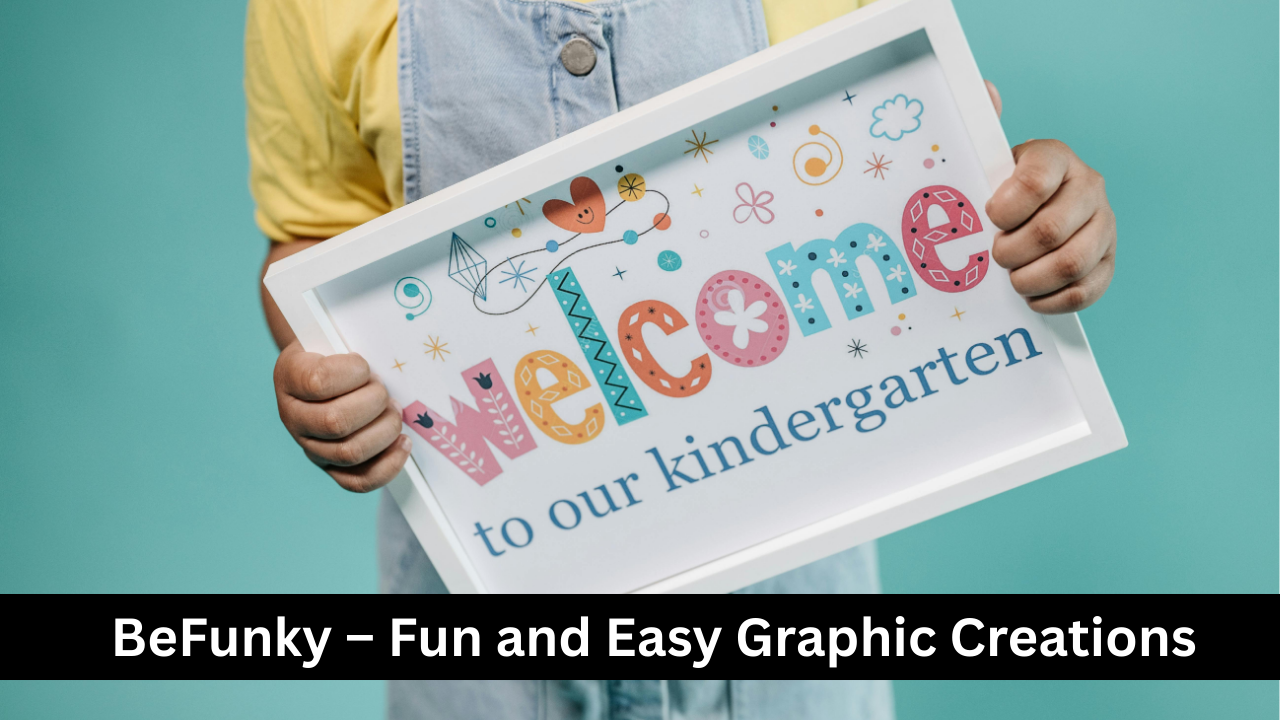
BeFunky is designed for users who want a fun, easy approach to graphic design and photo editing. It offers an intuitive interface with drag-and-drop capabilities, customizable templates, and creative tools such as filters, frames, and text effects. Beginners can create social media posts, flyers, and posters effortlessly. BeFunky also supports collage-making and simple photo touch-ups. Its cloud-based platform ensures designs are accessible from anywhere, making it convenient for casual users and small businesses. The simplicity and playful interface make BeFunky an attractive choice for beginners who want to explore design without feeling overwhelmed.
Visme – Presentations and Infographics Made Simple
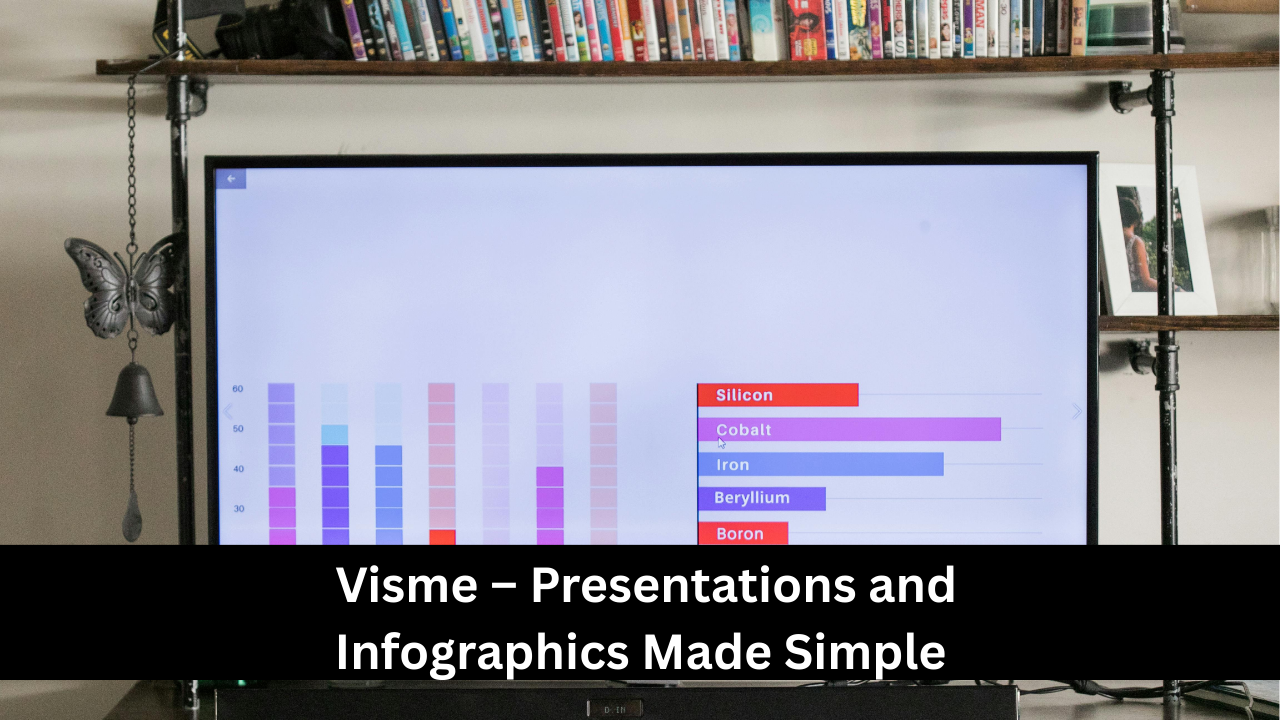
Visme is a versatile design tool that allows beginners to create presentations, infographics, reports, and social media graphics. It combines drag-and-drop simplicity with professional templates, making it easy to produce polished designs. Visme provides charts, icons, and data visualization tools, which are especially helpful for business and educational content. Users can customize colors, fonts, and layouts to match branding requirements. The platform also supports team collaboration and cloud storage. For beginners, Visme offers a gentle learning curve while still providing the tools needed to create visually compelling and engaging designs efficiently.
Gravit Designer – Free Vector Design Tool
Gravit Designer is a versatile, free vector graphic design tool suitable for beginners who want to explore vector-based design. It allows users to create logos, icons, illustrations, and web graphics without prior experience. Gravit Designer runs on multiple platforms, including Windows, Mac, Linux, and browser-based versions, offering flexibility in workflow. The software includes intuitive tools like shape manipulation, pen tools, text editing, and layers. Its clean interface ensures that beginners can learn basic design concepts while producing professional-looking results. Gravit Designer is also compatible with SVG, PDF, and PNG formats, making it practical for various design projects.
DesignWizard – Simple Video and Image Designs
DesignWizard is a beginner-friendly tool that specializes in creating both images and short videos. Its simple drag-and-drop interface allows users to customize templates for social media posts, advertisements, invitations, and more. DesignWizard offers a vast library of images, fonts, and graphics to enhance creativity, while the video feature helps beginners create engaging content without advanced editing skills. The platform is particularly useful for small businesses, bloggers, and educators who need professional-looking designs quickly. With easy exporting options and flexible templates, DesignWizard enables beginners to focus on creativity while producing high-quality visual content efficiently.
Easil – Branded Templates for Social Media
Easil is a graphic design tool designed for creating branded social media graphics and marketing materials. It is ideal for beginners who want consistent branding without complicated software. Easil provides drag-and-drop editing, customizable templates, and an extensive library of fonts, images, and design elements. The tool also offers team collaboration features, allowing multiple users to work on a project simultaneously. Beginners can create engaging social media posts, flyers, and event materials quickly and efficiently. Easil’s intuitive interface and brand management options make it a practical solution for businesses, influencers, and educators seeking polished, visually consistent designs.
Stencil – Quick and Easy Social Media Graphics
Stencil is a simple graphic design tool focused on speed and ease of use, making it perfect for beginners creating social media graphics. It offers thousands of templates, stock images, and icons that can be customized with text and effects. Stencil supports resizing, scheduling, and exporting in multiple formats, which is ideal for content creators and marketers. Its minimalistic design ensures that beginners can produce professional visuals without getting overwhelmed. The platform also includes browser extensions for quick image creation. With Stencil, users can efficiently create visually appealing content that captures audience attention, enhancing online engagement.
Vectr – Simple Vector Graphic Design
Vectr is a free, beginner-friendly vector design tool that allows users to create scalable graphics like logos, banners, and illustrations. It features a clean, intuitive interface with drag-and-drop functionality, layers, and real-time collaboration options. Beginners can learn vector design fundamentals without the steep learning curve of complex tools like Illustrator. Vectr supports exporting in multiple formats, including SVG, PNG, and JPG, making designs versatile for both web and print. Its cloud-based system ensures accessibility from any device, allowing seamless workflow and collaboration. Vectr is an excellent starting point for those interested in digital illustration and professional design.
FotoJet – Collages, Posters, and Social Media Designs
FotoJet is a simple online graphic design tool focused on photo editing, collages, posters, and social media content. Its drag-and-drop interface allows beginners to customize templates, add text, shapes, and effects effortlessly. FotoJet supports a variety of project types, including invitations, banners, and marketing materials, making it versatile for personal and professional use. Users can also create photo collages quickly with pre-made layouts. The platform provides a smooth, easy-to-learn workflow, helping beginners produce visually attractive designs without prior experience. FotoJet combines fun and functionality, making graphic design approachable and enjoyable.
Pixlr – Browser-Based Photo Editor
Pixlr is a web-based photo editing and graphic design tool suitable for beginners and casual users. It offers two versions: Pixlr X (simpler) and Pixlr E (advanced), allowing users to choose based on skill level. Pixlr provides tools for cropping, resizing, retouching, and adding filters or text to images. Its interface is clean and intuitive, so beginners can quickly learn to enhance photos and create designs for social media, websites, and marketing campaigns. Pixlr also supports layers, transparency, and a variety of file formats, making it a versatile choice for both quick edits and more detailed projects.
Tinkercad – Beginner-Friendly 3D Design
Tinkercad is an online 3D design tool designed for beginners interested in 3D modeling and printing. It offers an intuitive drag-and-drop interface to create shapes, combine objects, and produce 3D models without prior experience. Tinkercad is widely used for educational purposes, prototyping, and hobbyist projects. Beginners can also explore electronics and coding integration within the platform. The browser-based system requires no installation, making it accessible anywhere. With Tinkercad, users learn fundamental 3D design concepts while creating models that can be exported for printing or digital use, opening doors to more advanced design tools later.
Landing AI Tools – AI Graphic Design for Beginners
AI-powered graphic design tools use artificial intelligence to simplify design tasks for beginners. Tools like Canva’s AI, Fotor AI, and others offer automated suggestions, background removal, color adjustments, and design layout generation. These tools reduce the technical barrier, allowing beginners to produce professional-looking designs quickly. AI assists with typography, composition, and even content creation, speeding up the workflow. Beginners can focus on creativity and concept development while relying on AI to handle repetitive or complex tasks. AI design tools are increasingly becoming essential for fast, efficient, and visually appealing design production.
Tips for Choosing the Right Tool as a Beginner
When selecting a graphic design tool as a beginner, consider simplicity, functionality, and accessibility. Choose a platform with an intuitive interface, drag-and-drop options, and pre-made templates to minimize the learning curve. Look for tools that support multiple formats, cloud storage, and team collaboration if needed. Free versions are ideal for experimentation, while paid versions provide additional features as skills grow. It’s also useful to consider your goals: social media content, logos, presentations, or 3D modeling. Testing a few tools helps determine which matches your style, workflow, and comfort level, ensuring a productive and enjoyable design experience.